Panda Wireless User’s Manual
Page 15
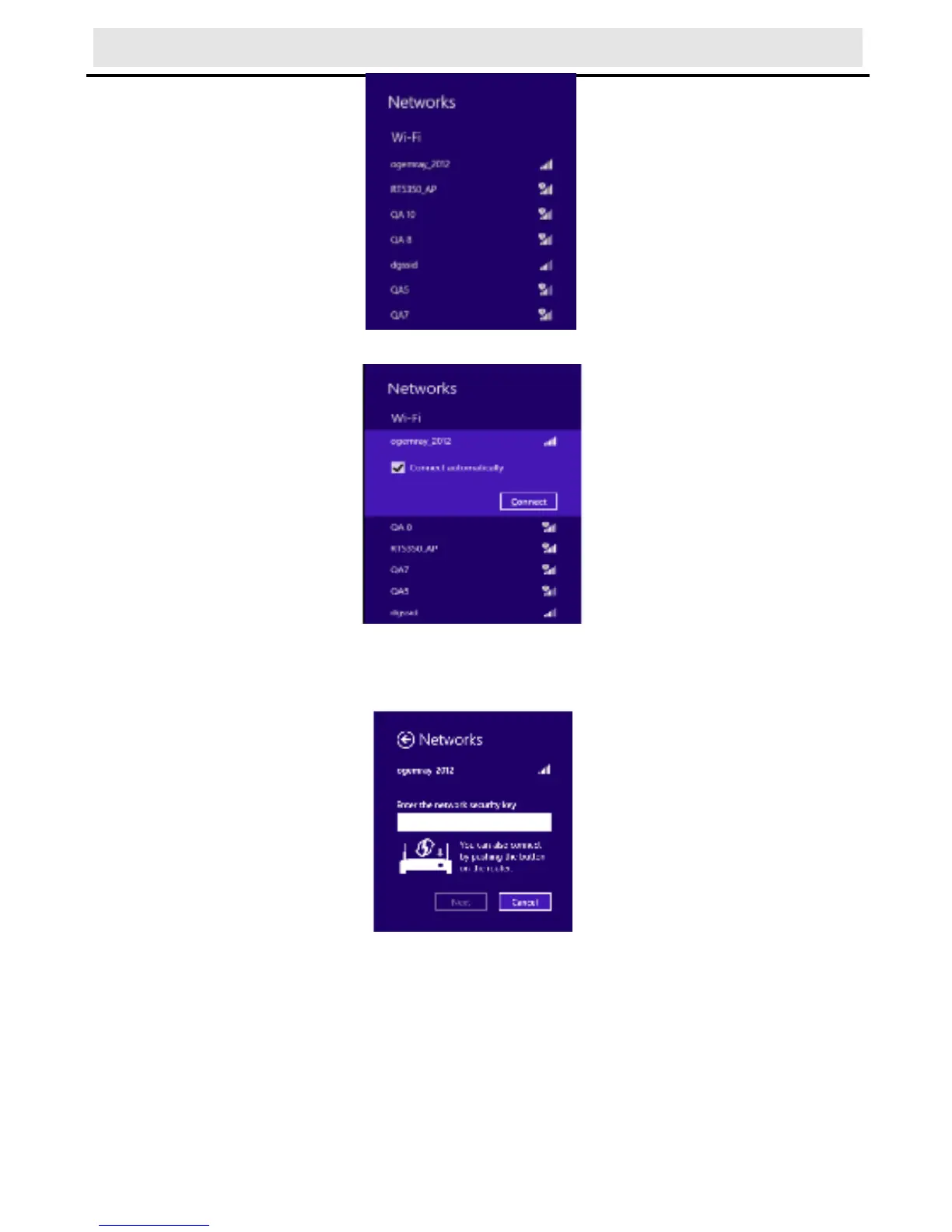
2) Click the “Connect” button to connect to the selected network.
3) If your network has wireless security configured, enter the
required setting. The following is an example only, your network
settings may differ.
4) You can select turn on sharing or connect to device or not.



 To Next Page