12
© Copyright 2008 Panoramic Corporation
PC-1000 Installation
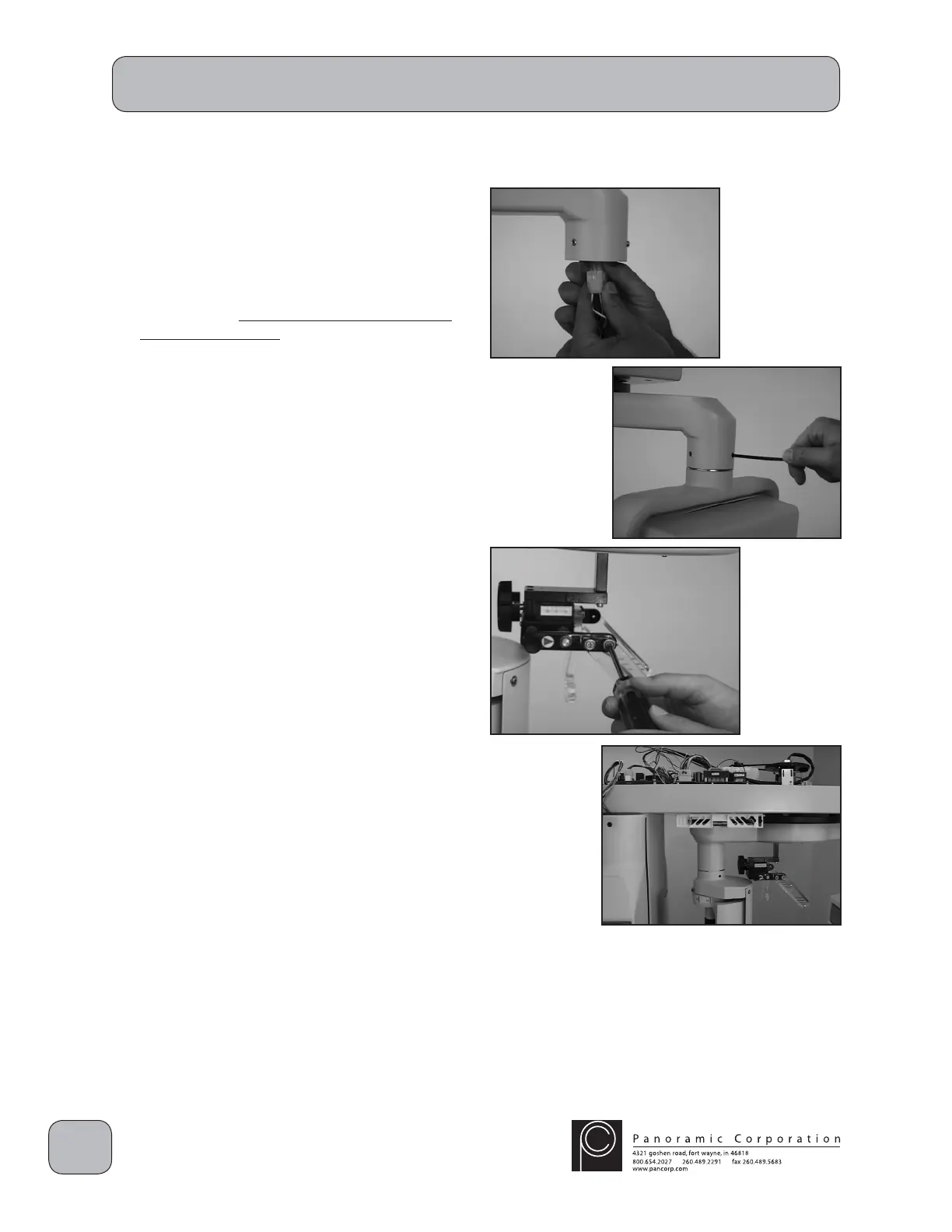
Install Tubehead Assembly
1. Connect the 6-pin molex connector from the
end of the rotating arm to the 6-pin connector
on the tubehead.
2. Carefully raise the tubehead into position facing
the fi lm drum, ensuring that the wires are not
stressed or pinched.
3. Tighten the three set screws, then back each
out slightly to allow alignment of the tubehead.
Install Temple Supports
1. Install the 2 temple supports using the existing
screws and washers in the head support
assembly.
2. Ensure that the temple supports are angled
away from the machine and that the horizontal
red lines on the temple supports are facing
out.
Level Machine
With a level on the underside of the main
overhead chassis, level the machine in all
directions using the 4 four adjustable feet under
the base.


 To Next Page
 Loading...