15
© Copyright 2008 Panoramic Corporation
If a pulse counter IS NOT available:
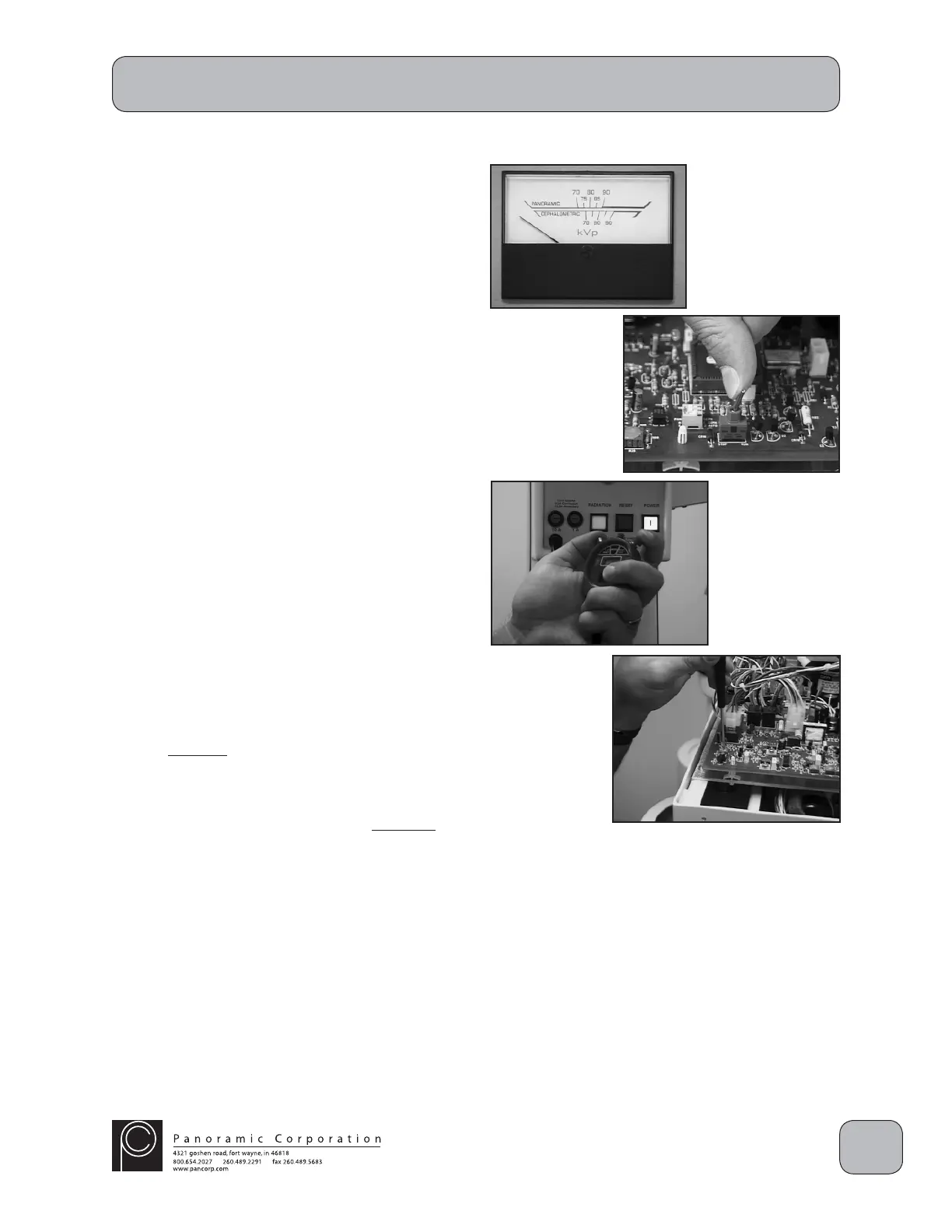
1. Power the machine on.
2. Using the function switch on the control panel,
select PANORAMIC L.
3. Using the kVp setting knob on the control
panel, set the kVp meter to 0 kVp on the
PANORAMIC scale.
4. Ensure that the RUN/STOP switch on the
printed circuit board in the overhead chassis is
set to RUN.
5. Use a stopwatch to time the duration of an
exposure by timing the red exposure indicator
on the control panel.
6. Locate potentiometer R57 on the printed circuit
board in the overhead chassis.
CAUTION: X-rays will be emitted when the
exposure switch is depressed.
7. Depress the exposure switch for the entire 12
second exposure.
8. The stopwatch should show that the exposure
is 12 seconds ± .5 seconds. If it does not:
A. Adjust R57 counterclockwise (CCW) to
increase the time and repeat the test until
the stopwatch shows that the exposure is
12 seconds ± .5 seconds.
OR
B. Adjust R57 clockwise (CW) to decrease
the time and repeat the test until the
stopwatch shows that the exposure is
12 seconds ± .5 seconds.
PC-1000 Installation


 To Next Page
 Loading...