20
© Copyright 2008 Panoramic Corporation
PC-1000/Laser 1000 Installation
Install Side Covers
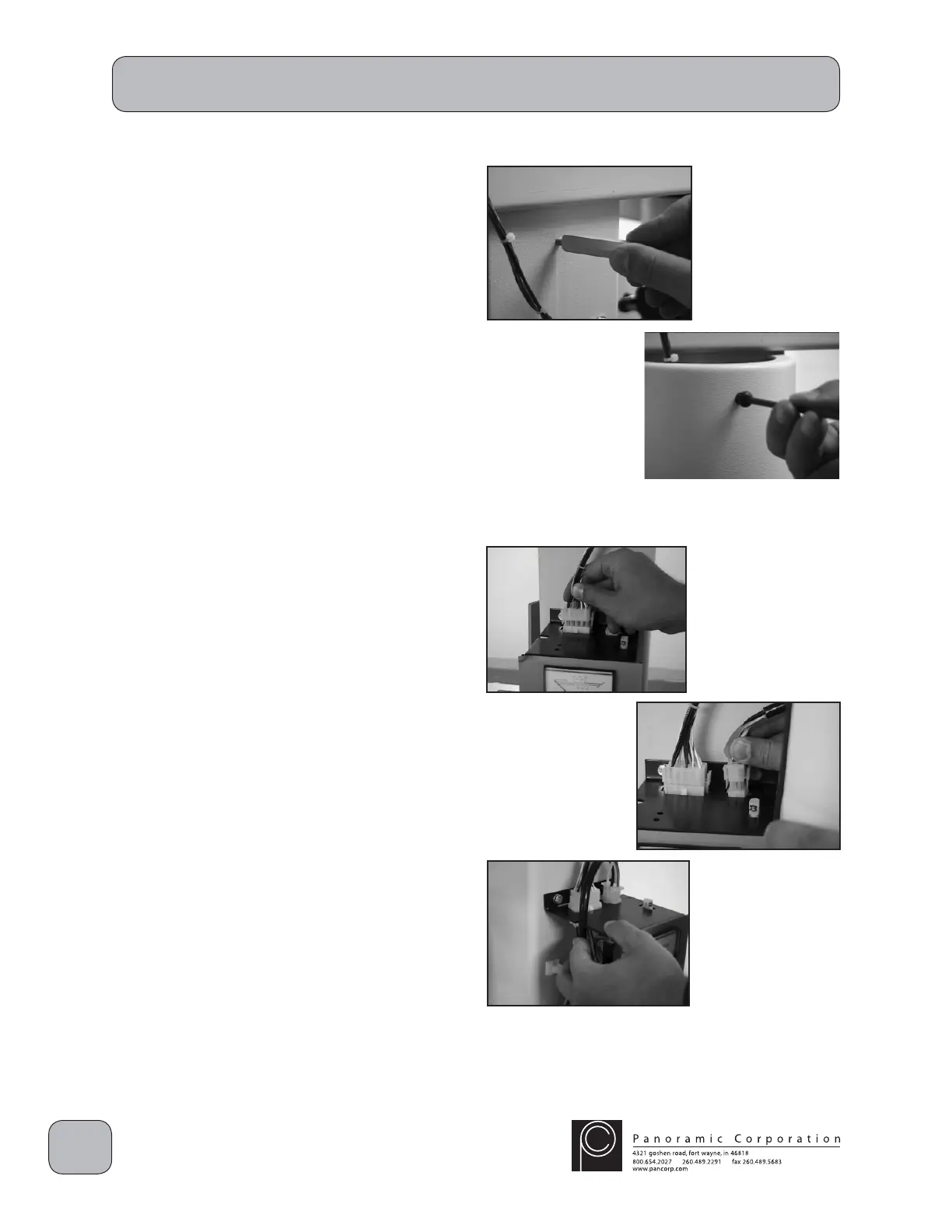
1. Install 3 metal standoffs in the pre-threaded
holes on the side of the column opposite the
control panel.
2. Place the side cover without the power cord
over the standoffs.
3. Insert 3 allen head bolts into the holes in the
side cover and tighten into the metal standoffs.
4. Install 3 metal standoffs in the pre-threaded
holes on the control panel side of the column.
5. Locate the wire with the 15-pin molex
connector J7 in the overhead and connect it
to the 15-pin P7 connector on the top of the
control panel.
6. Connect the 6-pin molex connector P15 on the
main power cord in the side cover to the 6-pin
connector J15 on the top of the control panel.
7. Route the power cord through the notches on
the side of the control panel while placing the
side cover over the standoffs.
8. Insert 3 allen head bolts into the holes in the
side cover and tighten into the metal standoffs.


 To Next Page
 Loading...