37
© Copyright 2008 Panoramic Corporation
PC-1000/Laser 1000 Installation
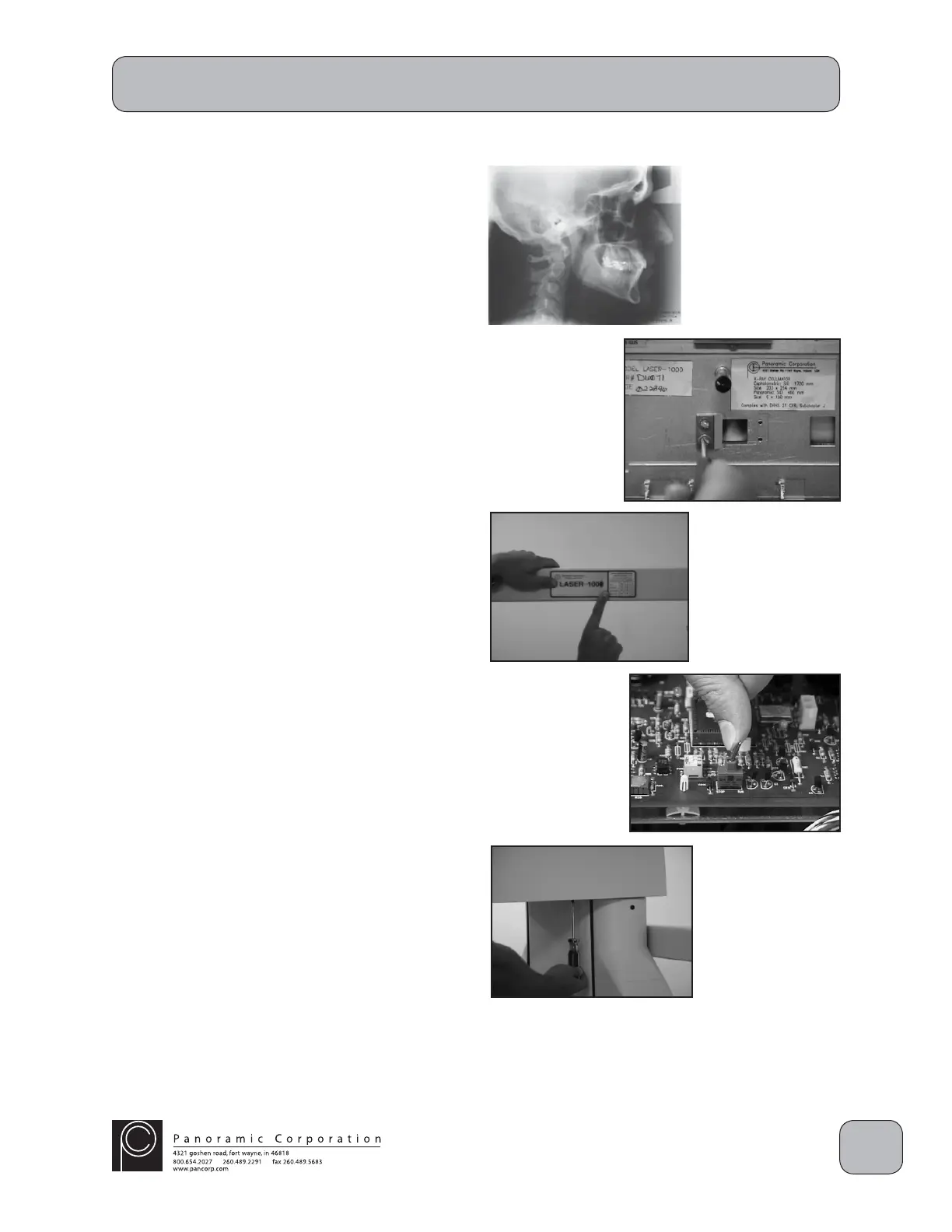
Install Soft Tissue Shield
A soft tissue shield should be installed on the front
of the tubehead to fi lter the X-rays striking the front
edge of the cassette, allowing the soft tissue, i.e.
nose, to be visible on the processed fi lm.
1. Remove the 2 small allen screws on each side
of the front tubehead cover and remove the
front tubehead cover. Do not stress the wires
to the laser alignment switch or LED.
2. Place one of the soft tissue shields, previously
removed, on the front of the tubehead
collimator. It should be placed on the side
farthest from the machine when the tubehead
is properly aligned to the cephalometric
cassette. Align the shield to the scribe marks
made earlier and install the 2 screws.
3. Reinstall the tubehead cover and 2 small allen
screws.
Install Suggested Settings Decal
1. Place the suggested setting decal centered on
the cephalometric arm.
Install Top and Rear Covers
1. Ensure that the RUN/STOP switch on the
printed circuit board in the overhead is in the
RUN position.
2. Slide the top cover on the machine from the
front. Ensure that the wiring on the control
panel side is properly routed.
3. Install the 6 screws on the underside of the top
cover.
4. Place the cover on the rear of the machine and
install the 3 screws.


 To Next Page
 Loading...