4
• 2 GB RAM
• 1GB Hard drive space
• USB 2.0 port
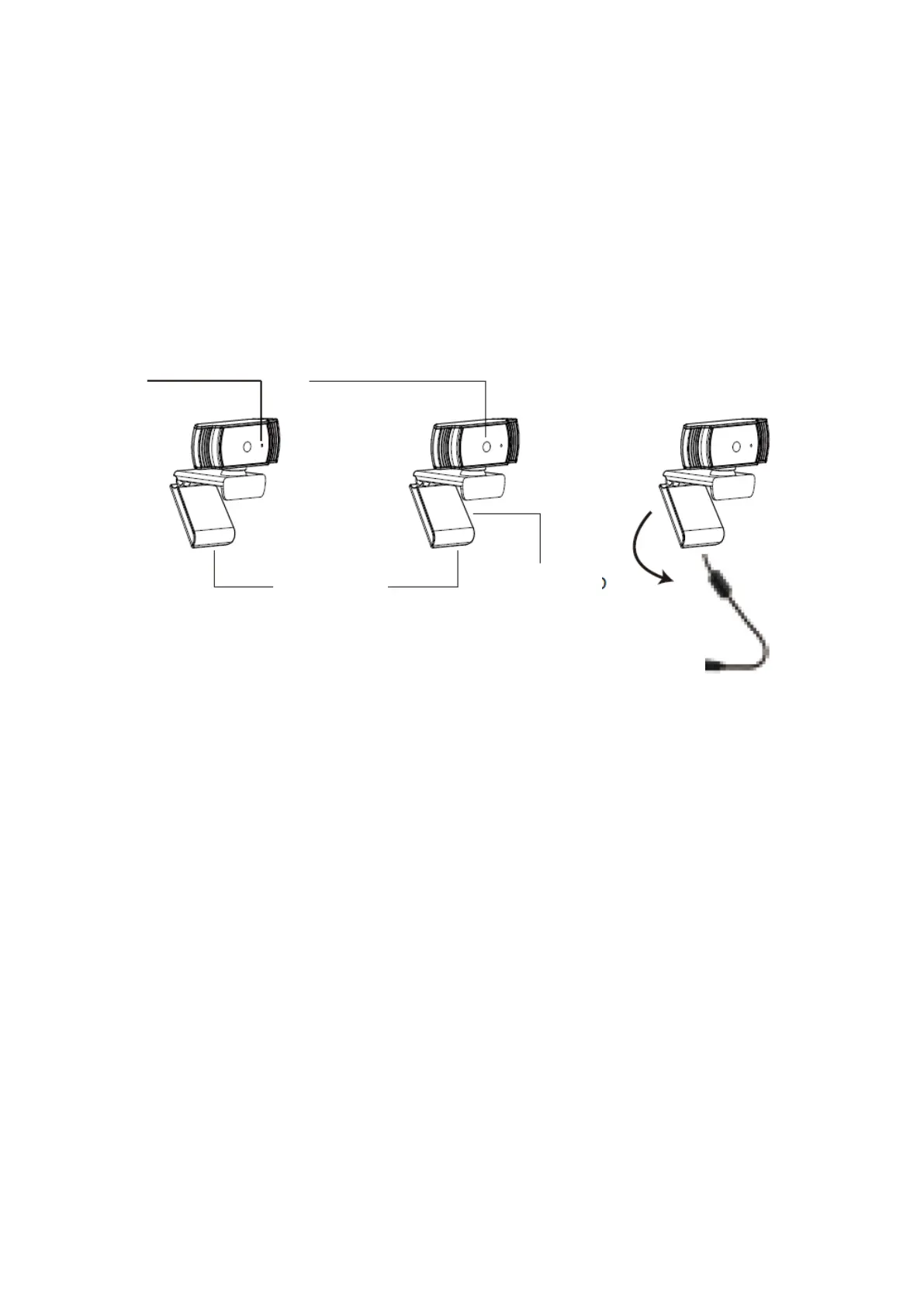
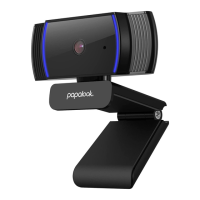
Product Overview
Mounting and Connecting the Camera
Place the WebCam where you want it on a computer monitor or a flat surface desktop.
For a computer monitor deployment, unfold the flexible clip and place the WebCam on
your computer monitor to grip the edge of the screen with the foldable flexible clip.
After fixing the WebCam, connect the USB cable to your PC’s USB port.


 To Next Page