9
on. To switch the mode, just click or tap the other video or photo button. To take
photos/record videos:
Take photos: in photo mode → click or tap photo button.
Record videos: in video mode → click or tap video button to start → click or tap
video button again to stop.
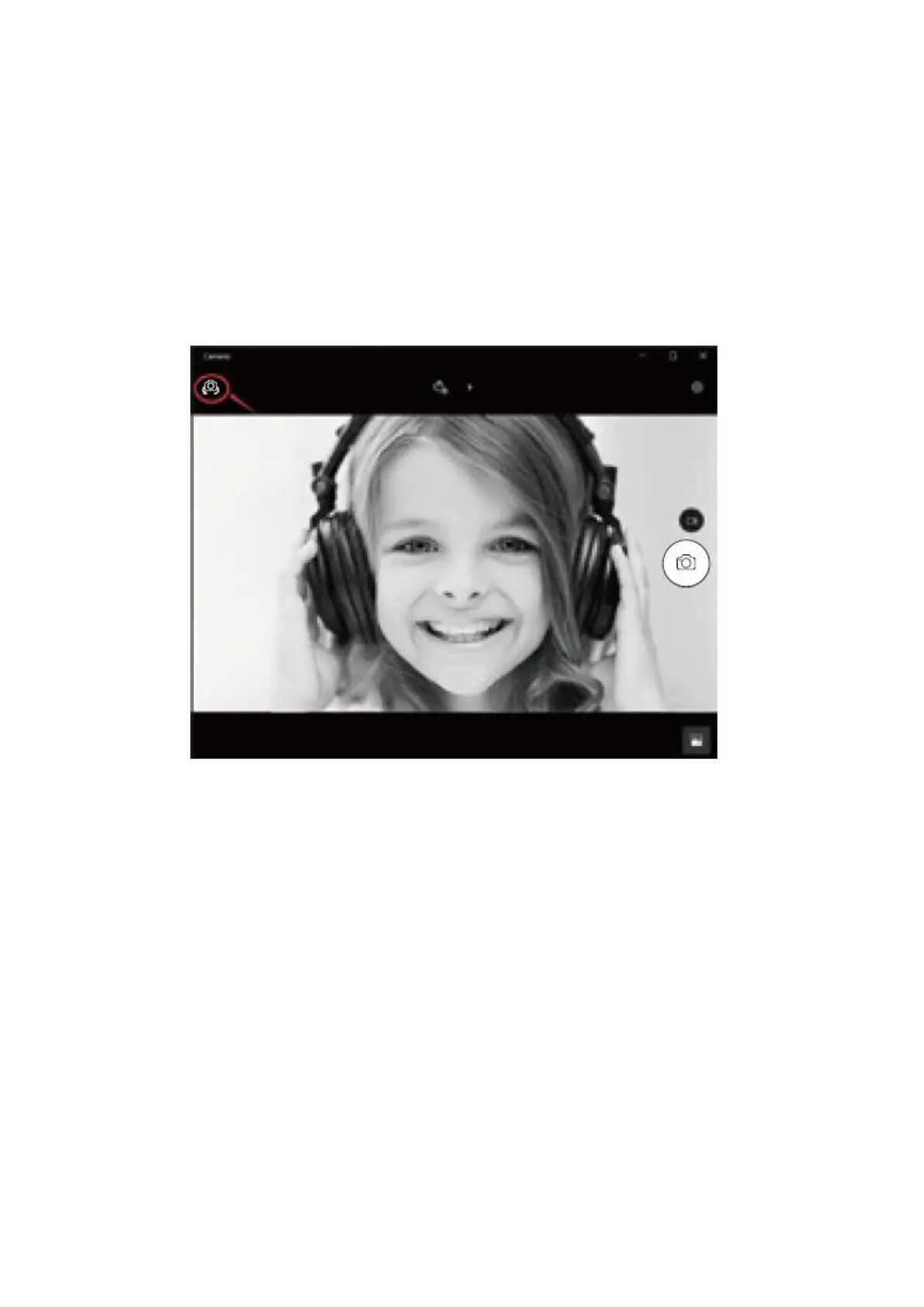
d) To switch from built-in camera to AUSDOM camera, please click “camera switch”
at the top-left corner.
On a Mac
a) Please connect the webcam to your computer. Find out “Photo Booth” in Apple
system, and open it.


 To Next Page