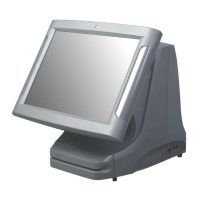
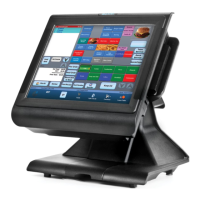
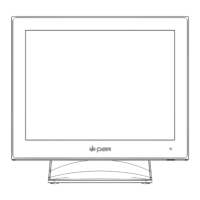
How Do I Access the PAR Phase Cable Well?
10/09/23
This document will assist you in accessing and identifying the cable ports on the PAR Phase terminal.
Open the access door by pulling it away from the
back of the terminal
Gently ex the sides of the door outwardly to
remove the post from the slot, then set the door
aside
Open and Remove the Access Door
1
Lean the terminal forward, resting the display
onto a cloth or ESD mat
Identify I/O ports
A. Power Port
B. USB 3.0 Ports
C. Powered USB Ports
D. Serial Ports 1 and 2
E. Cash Drawer Ports 1 and 2
F. LAN Port
Access the Cable Well
2

 Need help?
 General

 To Next Page