37
Step 2: Bluetooth Connection
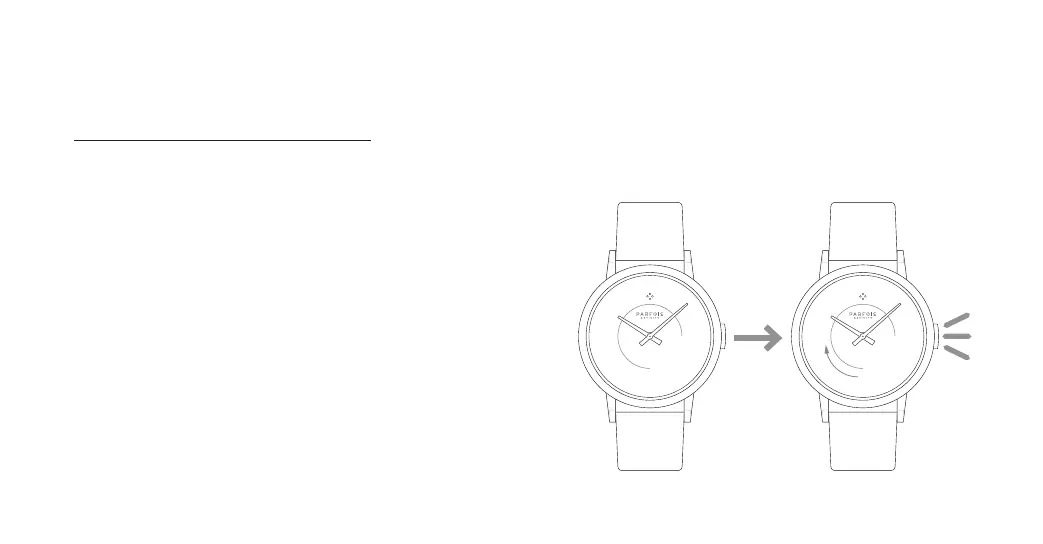
Before opening the application, you
have to connect your Parfois Activity
watch with the Bluetooth on your
phone (you should find the device
with the name: PARFOIS ACTIV). If the
device does not appear on the devices
list, press and hold the button of the
watch for 3 seconds.


 To Next Page