Flight controller installation
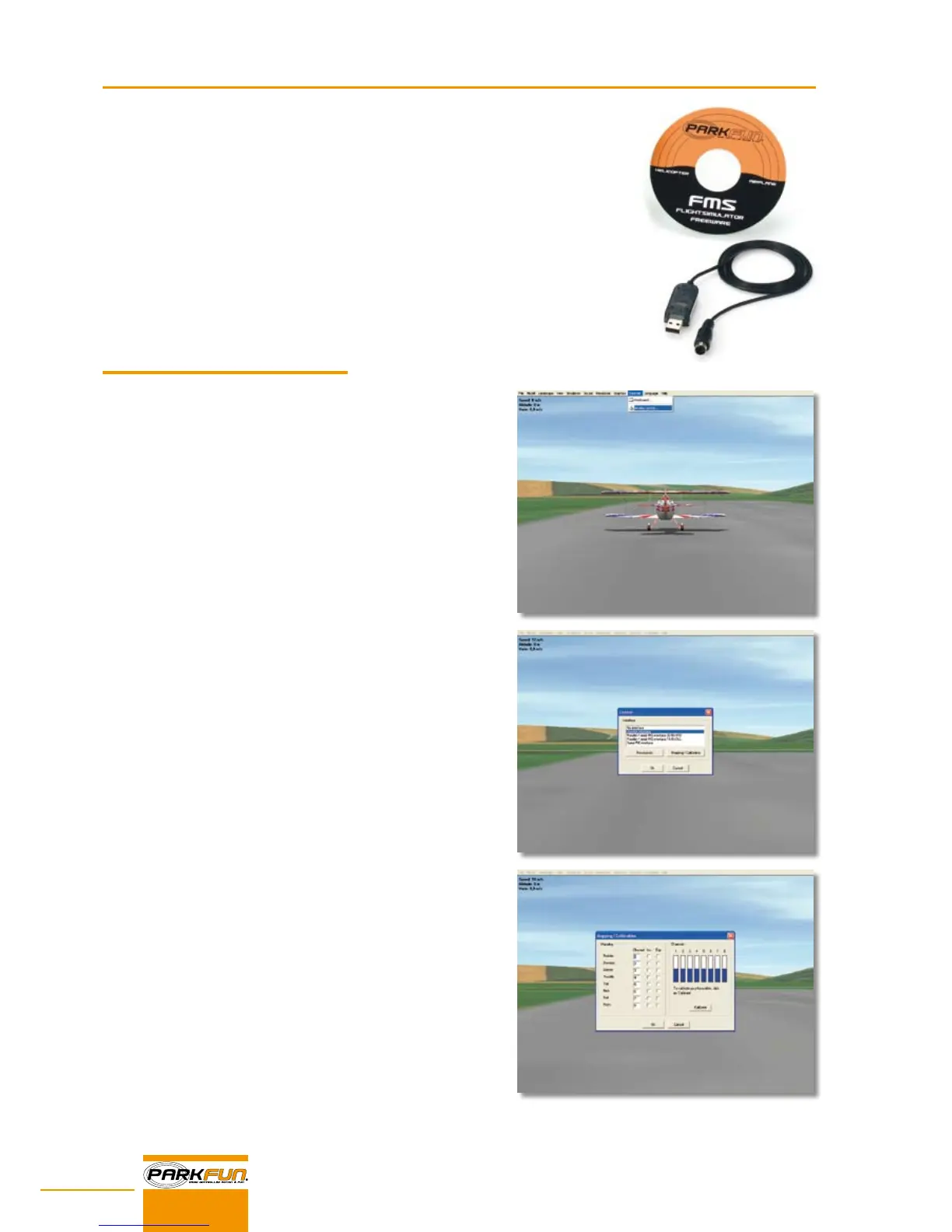
Insert the CD.•
If the installation does not launch automatically, simply open the drive which contains the CD and •
double click the installation file (fmsbeta70.exe).
Follow the instructions that appear on the screen.•
Connect the controller (transmitter) and start the software.•
In the menu bar, click "Controls" and choose "Analog control".•
Choose joystick interface and click "Mapping/Calibration".•
In the menu that appears, click calibrate and follow the calibration steps.•
When you're nished, click OK, this completes the calibration of the •
flight controller.
ENJOY!
USB FLIGHTSIMULATOR
Calibration


 To Next Page