EasyManua.ls Logo

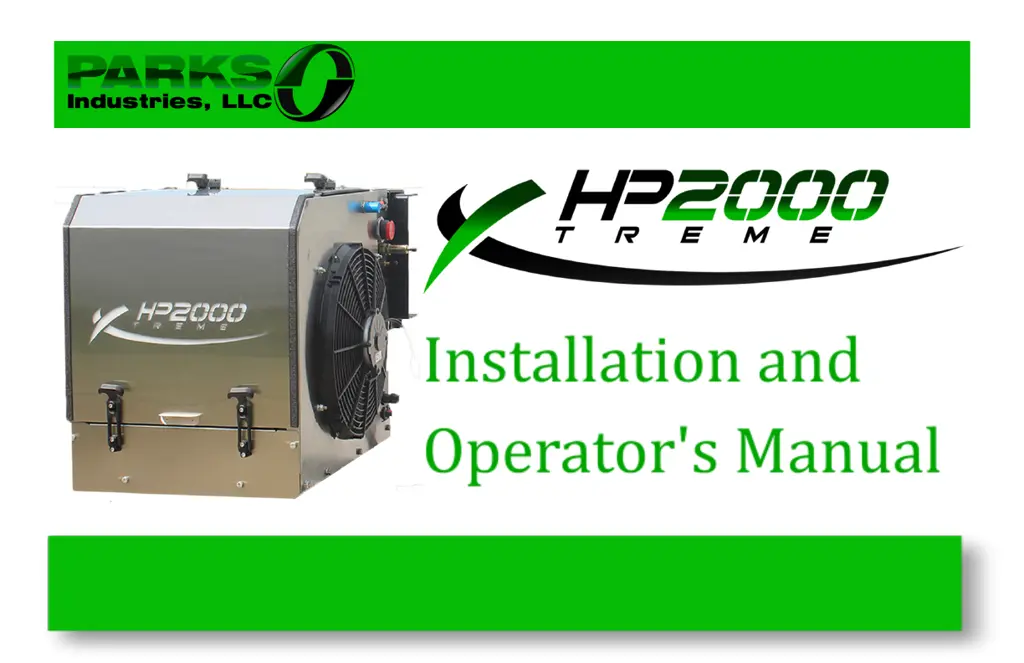
Parks HP2000 XTREME Series - User Manual

Parks HP2000 XTREME Series
68 pages
Print Icon
To Next Page IconTo Next Page
Loading...

Questions and Answers

  • J
    Jean PowersAug 7, 2025
    What to do if the Parks Portable Generator screen has frozen?
    • R
      Ronald ReedAug 7, 2025
      If the screen has frozen or the buttons do not respond on your Parks Portable Generator, it might need calibration. Disconnect the power, then press and hold one finger on the screen while reconnecting the power. Once the calibration screen appears, follow the prompts on the screen.
  • B
    Barbara Taylor MDAug 12, 2025
    What to do if Parks HP2000 XTREME Portable Generator displays 'Charging system failure'?
    • M
      Mrs. Ariana Wallace DDSAug 12, 2025
      If your Parks Portable Generator displays a 'Charging system failure' error, ensure all battery cables are tight and free of corrosion. Also, make sure all electrical components are securely plugged in. Check the alternator belt and replace it if needed.
  • A
    adamspaulAug 17, 2025
    What to do if Parks HP2000 XTREME displays 'High A/C Pressure Fault'?
    • L
      Leslie GregoryAug 17, 2025
      If the Parks Portable Generator displays a 'High A/C Pressure Fault', check the condenser and evaporator for any air restrictions. Make sure the condenser fan is running; if not, check or replace the fuse. If the fan still doesn't function, ensure the operating pressures are correct.
  • D
    Diana AllenAug 22, 2025
    Why does my Parks HP2000 XTREME Portable Generator APU engine shut down with 'High Engine Temp' error?
    • M
      Miguel HicksAug 22, 2025
      The Parks Portable Generator APU engine might shut down and display a 'High Engine Temp' error because the engine is overheated. Check the truck’s coolant line for crimps. If coolant is sufficient, remove the coolant cap and allow the truck engine to run for at least ten minutes to clear any residual air bubbles from the coolant system.
  • B
    Brandon HallAug 27, 2025
    What to do if Parks Portable Generator displays 'Low A/C Pressure Fault'?
    • J
      Joshua ButlerAug 27, 2025
      If your Parks Portable Generator displays a 'Low A/C Pressure Fault', it could be due to low refrigerant. Ensure the condenser fan is running; if not, check or replace the fuse. Inspect all hoses and fittings for refrigerant leaks, and make sure the operating pressures are correct.
  • J
    James HillSep 2, 2025
    How to fix a Parks HP2000 XTREME that turns over but won't start and shows 'Low Oil Pressure'?
    • W
      William GordonSep 2, 2025
      If your Parks Portable Generator turns over but won't start and displays a 'Low Oil Pressure' error, possible causes include a clogged fuel supply, a dirty fuel filter, a blown fuse, or low oil level. Check that the fuel lines are clear and the filter isn't clogged. Inspect the fuse panel for blown fuses and verify the engine has the correct oil amount.

Summary

Warranty and Registration

A;C Component Warranty Details

HP2000 APU comes with a 2 Year / 2,000 Hours limited express warranty from Parks Industries.

Perkins Engine Warranty

Perkins provides a 2 Year / 2,000 Hour limited express warranty on the engine. Extended warranties are available.

Safety Guidelines

Safety Rules and Precautions

Safety rules are indicated by a symbol and explained through text; follow all precautions carefully.

10-Step Installation Guide

Installation Overview

This section provides an overview of the HP2000 APU installation process, including inspection and measurements.

Required Tools Checklist

Lists the essential tools required for the HP2000 APU installation.

Step 1: Mounting the APU

Detailed instructions for mounting the APU to the truck's frame rail.

Step 2: Evaporator System and Duct Hoses

Instructions for installing the evaporator system and connecting duct hoses.

Step 3: A;C Line Installation

Guidance on routing and connecting the A/C lines for the APU.

Step 4: A;C System Vacuum and Charge

Procedures for vacuuming and charging the APU's A/C system.

Step 5: Fuel Draw Tube Installation

Instructions for installing the fuel draw tube for APU fuel supply.

System Components Overview

APU Commander Operation

Controller Error Codes

List of common error messages displayed by the APU Commander and their meanings.

Troubleshooting with the Controller

Maintenance Procedures

Owners Responsibility

Specifications

Limited Express Warranty Registration

Standard HP2000 APU Warranty Coverage

Parks HP2000 XTREME Series Specifications

General IconGeneral
Fuel TypeGasoline
Engine Type4-Stroke
Starting SystemRecoil
AC Output120V
DC Output12V/8.3A
Outlets1x 12V DC

Related product manuals