22
2.2 Route to an address
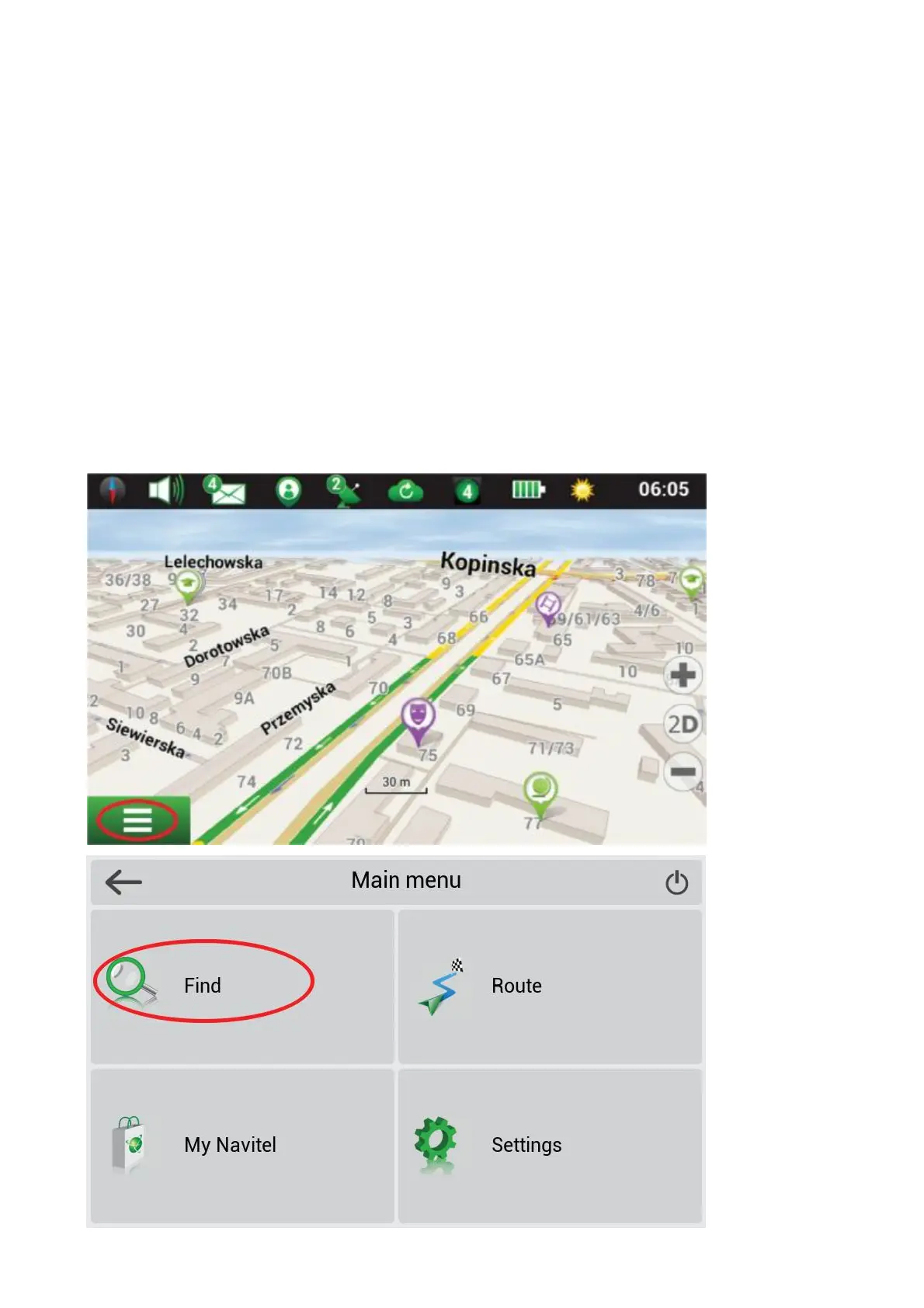
To have a route calculated to a point of a known address, press "Menu" in the boKom leL corner of the
screen [1] ¨ "Find" [2] ¨
"By address", then press "Select country" [3] and start entering the name of a country [4]. Press the icon
in the upper right part
of the screen to hide the keyboard. Select the country [5]. "Select city", "Select street" and "Select build-
ing" become acM ve only
if the previous #elds were #lled out [6]. When all informaN on is entered the object will be shown in the
screen [7]. Press "Go!".
The program will automaO cally plan a route from a current locaP on to the indicated address [8]. Now you
can follow the route [9].
Fig.1
Fig.2



 To Next Page