1. Download NavitelNavigator Updaterfromthe “Downloads” sectionoftheofficial
NAVITEL® website to your PC and install it using theWindows installationwizard.
2. Insertthe SD card intothePC
3. Run the Navitel Navigator Update Center.The softwaremight check for newerversions
of the Navitel Navigator Update Center available.
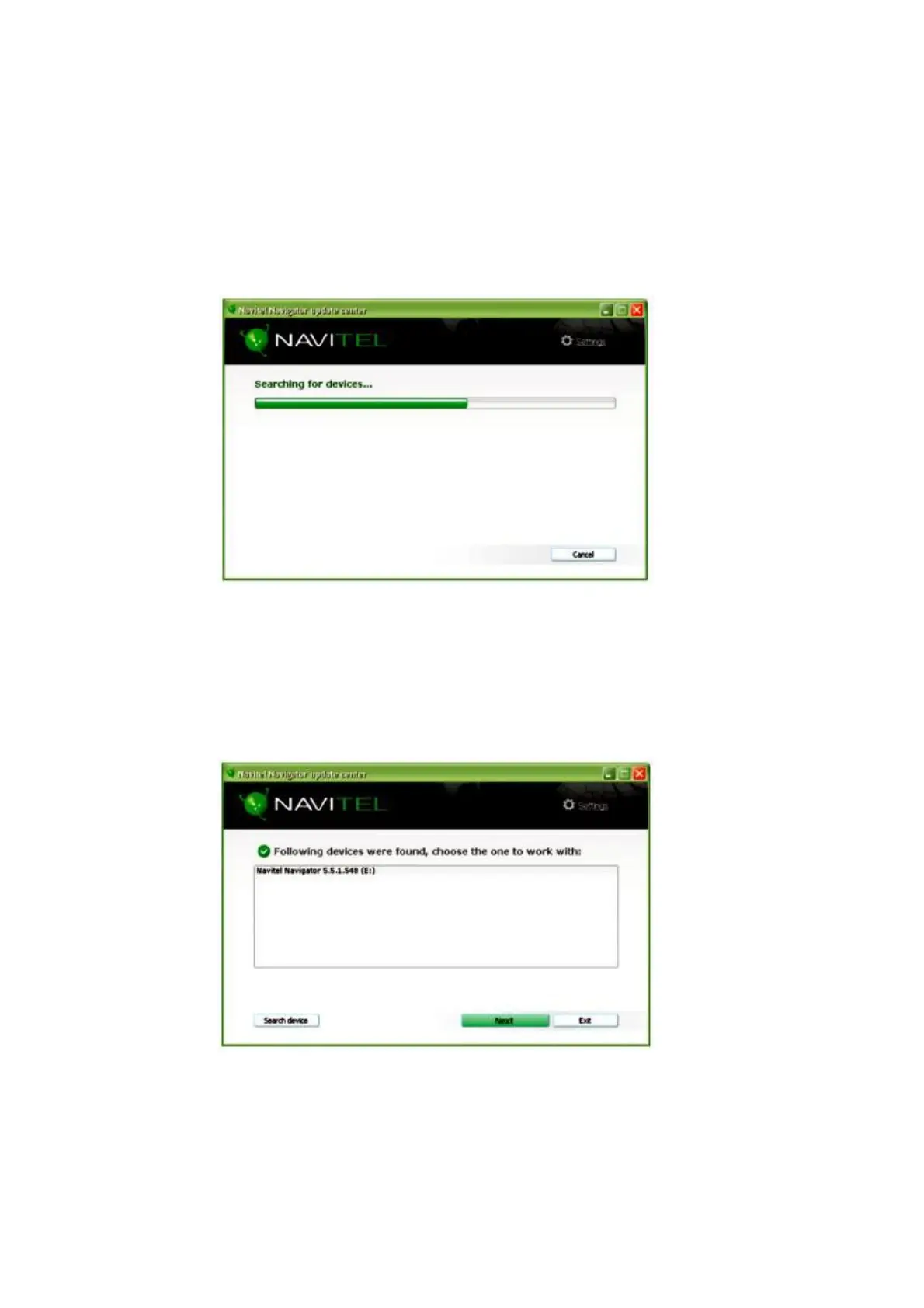
4.The softwarewill start a device searchingprocess.
5.Ifthe devicehasbeen properly connected, the softwarewill detect it. Selectthedevice
and press “Next”.



 To Next Page