EasyManua.ls Logo

Parkside 498567-2204 - User Manual

Parkside 498567-2204
144 pages
Go to English
Print Icon
To Next Page IconTo Next Page
Loading...
IAN <<IAN>>
Elektric sekačka na tvu
Překlad originálního provozního návodu
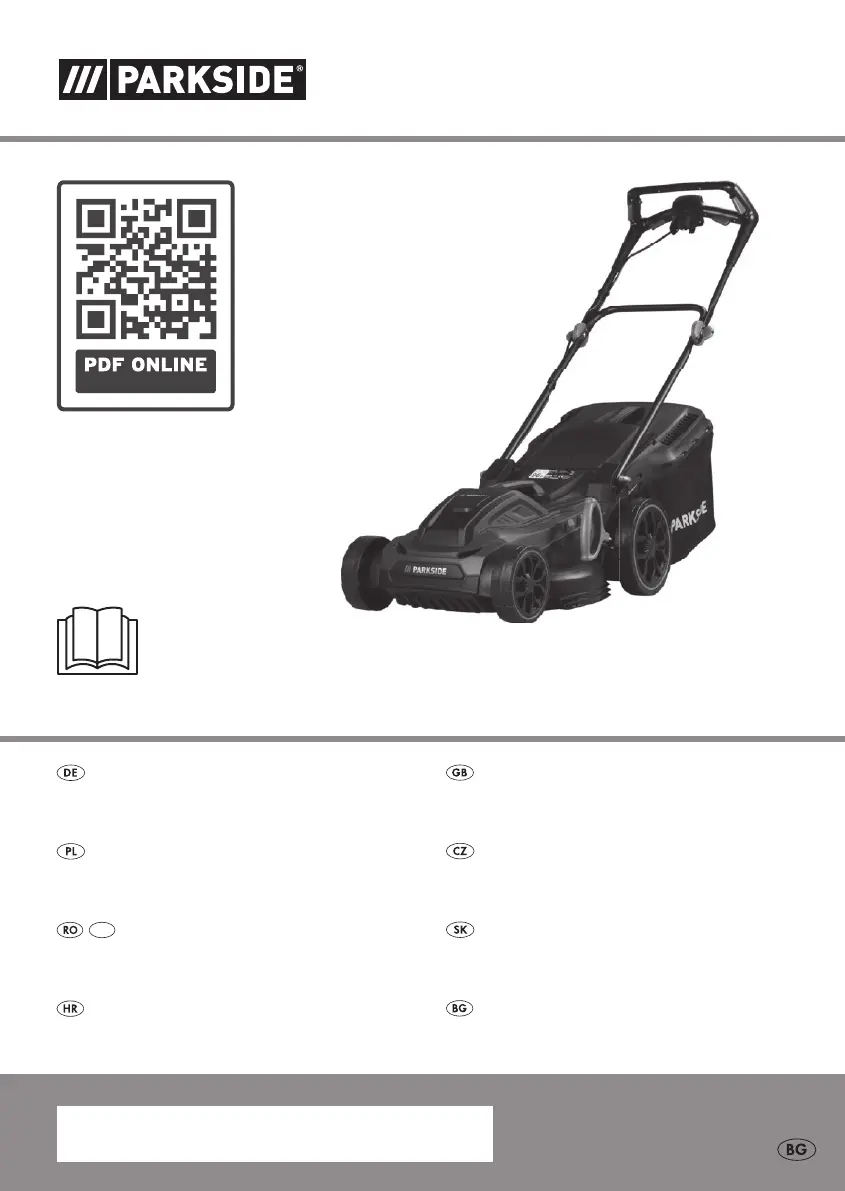
Elektro-Rasenmäher / Electric Lawnmower PRM 1800 B2
Elektryczna kosiarka do trawy
Tłumaczenie oryginalnej instrukcji obsługi
Elektrická kosačka
Preklad originálneho návodu na obsluhu
IAN 498567_2204
Elektro-Rasenmäher
Originalbetriebsanleitung
Electric Lawnmower
Translation of the original instructions
Električna kosilica za travu
Prijevod originalnih uputa za uporabu
Електрическа косачка
Превод на оригиналното ръководство за експлоатация
Mașină electrică de tuns gazonul
Traducerea instrucţiunilor de utilizare originale
MD

Table of Contents

Questions and Answers

  • D
    daniellelaneAug 8, 2025
    How to fix Parkside 498567-2204 Lawn Mower that won't start?
    • N
      Nicole HarrisAug 8, 2025
      If your Parkside Lawn Mower equipment does not start, check the socket, cable, wire, and plug. Have any necessary repairs done by an electrician. Also, if the grass is too long, set a greater cut height and lift the front wheels slightly by pressing down on the handle bar.
  • L
    Lisa KleinAug 13, 2025
    Why is my Parkside 498567-2204 Lawn Mower making strange noises?
    • B
      Brenda SandersAug 13, 2025
      If your Parkside Lawn Mower is making strange noises, rattling, or vibrating, check if the blade screw is loose and tighten it. If the blade is damaged, you should replace it.
  • C
    Carrie EverettAug 18, 2025
    What to do if Parkside Lawn Mower blade fails to turn?
    • J
      James EvansAug 18, 2025
      If your Parkside Lawn Mower blade fails to turn, it might be blocked by grass. Remove the grass. Also, check if the blade screw is loose and tighten it.
  • H
    Heather ClarkAug 23, 2025
    What to do if my Parkside Lawn Mower motor stops?
    • E
      Eric NelsonAug 23, 2025
      If the Parkside Lawn Mower's motor stops, it could be due to a blockage by a foreign object. Remove the foreign object to resolve the issue.
  • T
    Trevor JonesAug 28, 2025
    Why Parkside 498567-2204 result is unsatisfactory?
    • D
      Donna BeasleyAug 28, 2025
      An unsatisfactory result or a laboring motor in your Parkside Lawn Mower can occur if the cut height is too low. Set a higher cut height. Also, if the blade is blunt, have it sharpened or replaced. Ensure the blade area isn't blocked by cleaning the equipment and that the blade is installed correctly.
  • A
    awilliamsSep 2, 2025
    What to do if level indicator does not work on Parkside 498567-2204?
    • R
      Robert Hancock MDSep 2, 2025
      If the level indicator on your Parkside Lawn Mower does not work, it might be due to contamination. Clean it with a soft brush. The level indicator must close by itself, if it was opened.

Summary

Technical Specifications

Product Details

Details power, voltage, speed, dimensions, weight, and noise levels.

Safety Information

General Safety Precautions

Provides essential safety regulations for operating the electric lawnmower.

Preparation for Use

Initial Setup and Checks

Covers pre-operation checks, cable inspection, and safe usage guidelines.

Working with the Equipment

Safe Operating Practices

Details safe methods for operating the lawnmower, including stance and terrain.

Operational Safety & Handling

Covers critical safety procedures during operation, startup, and shutdown.

Maintenance and Storage

Changing the Blade

Step-by-step instructions for safely replacing the lawnmower blade.

Residual Risks

Assembly

Operation

Switching On and Off

Detailed steps for starting and stopping the electric lawnmower.

Replacement Parts and Accessories

Trouble Shooting

Common Problems and Solutions

Identifies common problems and provides solutions for troubleshooting the lawnmower.

Guarantee

Parkside 498567-2204 Specifications

General IconGeneral
BrandParkside
Model498567-2204
CategoryLawn Mower
LanguageEnglish

Related product manuals