Kit contents
The kit contains:
• An LCD frame
• A power plug
• A USB cable
• A leather frame
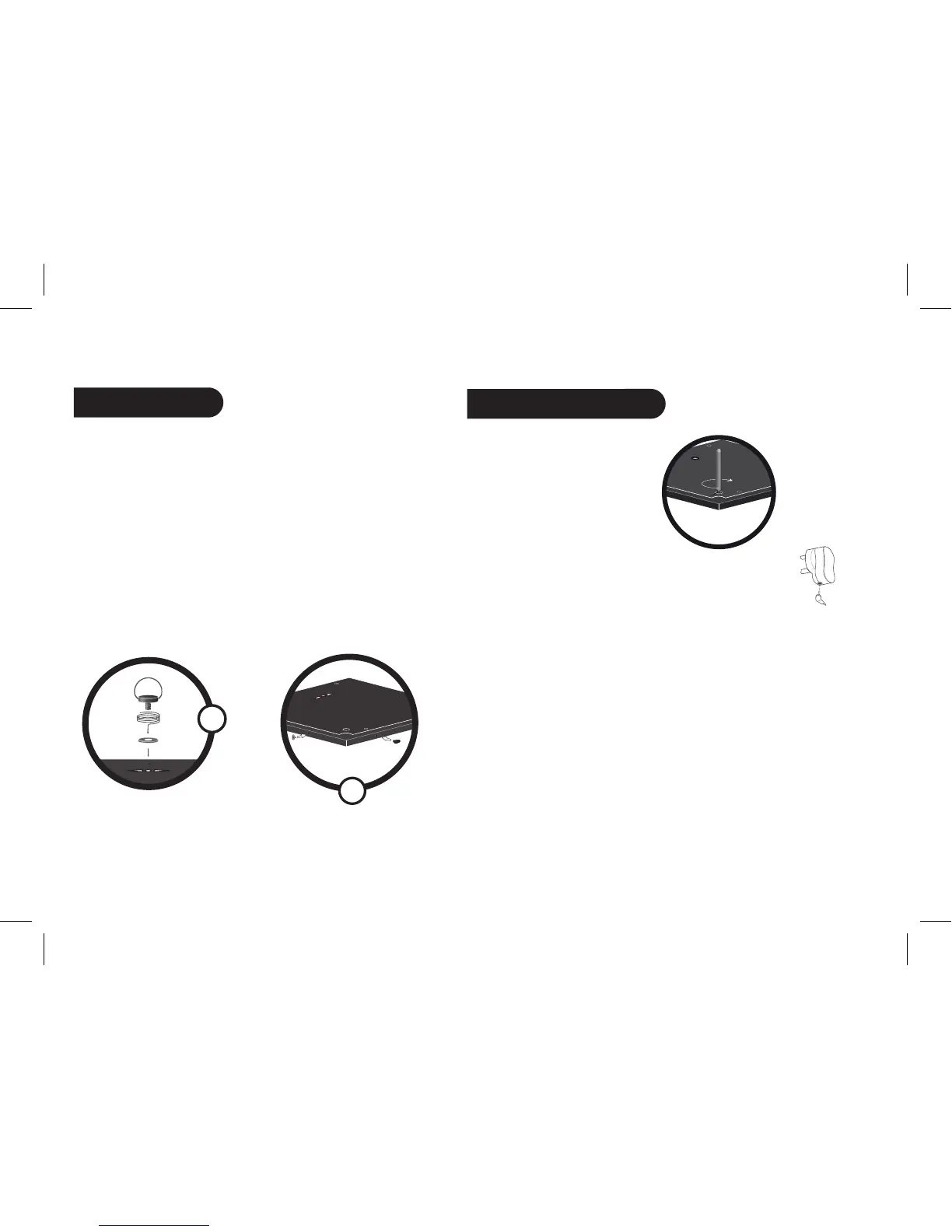
• A metal rod to be screwed into the frame
• A wall bracket (1)
• A clip system (for fixing the power cable along the side of the
frame) (2)
• A user guide
• A Parrot product guide
Quick Start Guide
1. Screw the metal rod into the
back of the frame.
2. Connect the power cable connector to the transformer
and plug it into an electrical socket.
> The Parrot DF7700 automatically switches on.
3. Set up the time and select a language using the buttons on
the back of the frame.
4. Place the frame either in portrait or in landscape position.
1
2



 To Next Page