4 Before starting
Before starting
Charging the battery
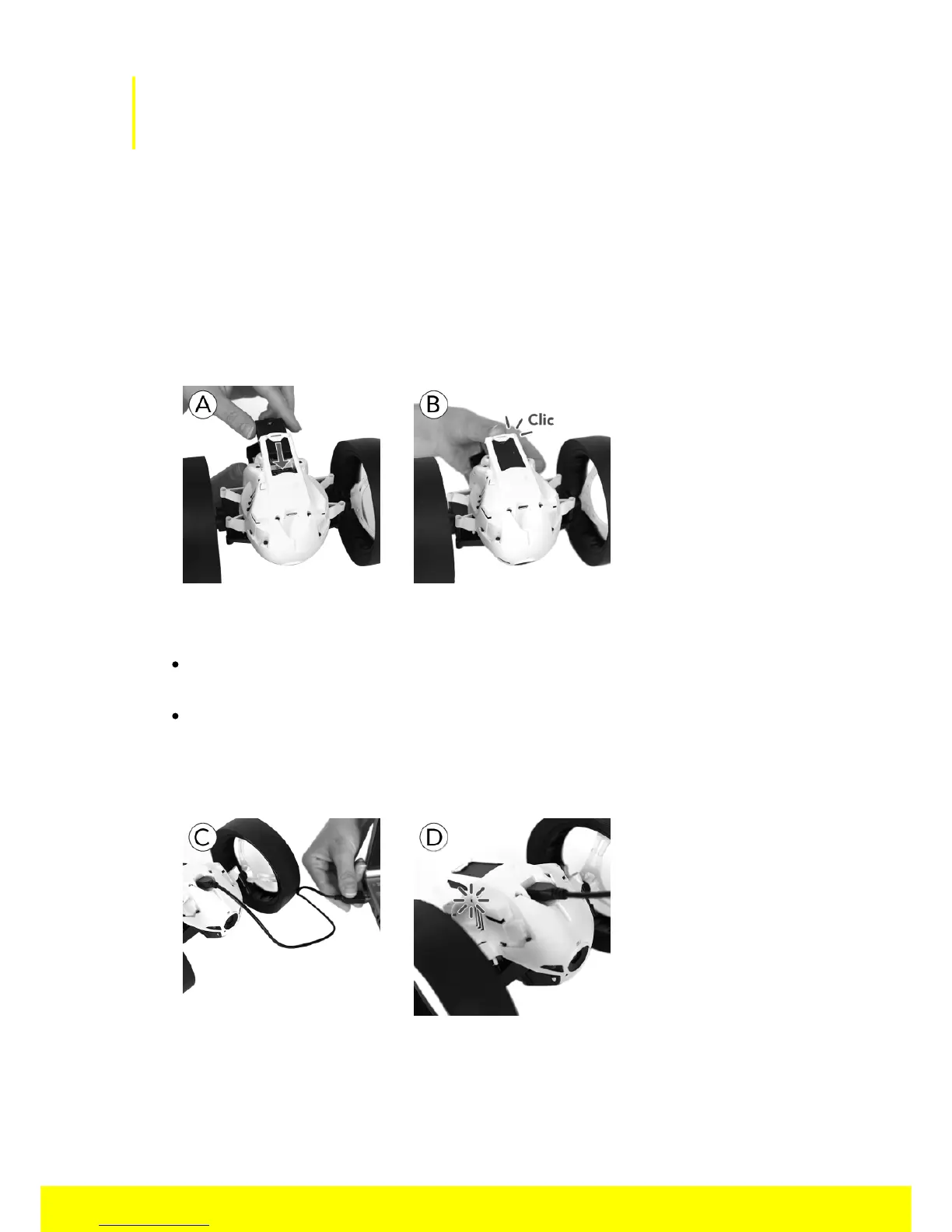
1. Insert the battery into the appropriate compartment (pictures A and B).
2. Connect the MiniDrone (pictures C and D):
To a 2.4 A minimum charger (not provided). The charging time is approximately
25 minutes.
To your computer using the USB cable (provided). The charging time is
approximately 1 hour and 30 minutes.
> The LED located next to the On/off button turns red while charging. Once the
MiniDrone is fully charged, the LED turns green.
To remove the battery:
1. Carefully lift the plastic part surrounding the battery.
2. Remove the battery using the two grips located at the back of the battery.



 To Next Page