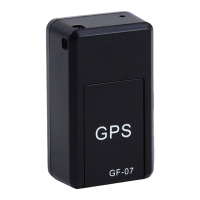
Only a standard SIM card can be placed in the GPS tracker. If you have a micro or nano format, we
recommend that you exchange it at the provider or purchase a SIM card adapter. Almost all SIM cards
have a standard PIN code which is usually '0000'.
This PIN code, but also the voicemail and number forwarding must be turned off, otherwise the tracking
system will not work! You can disable the PIN by turning off the SIM card in a standard mobile phone.
Phone or smart Phone and go to menu>settings>security settings.
For some mobile phones this works in a different way, please refer to the manual of the phone or Google
on "turn off PIN code (name of phone)", after which you will usually find the desired information. You can
turn off the voicemail and number forwarding via your provider if they are on.
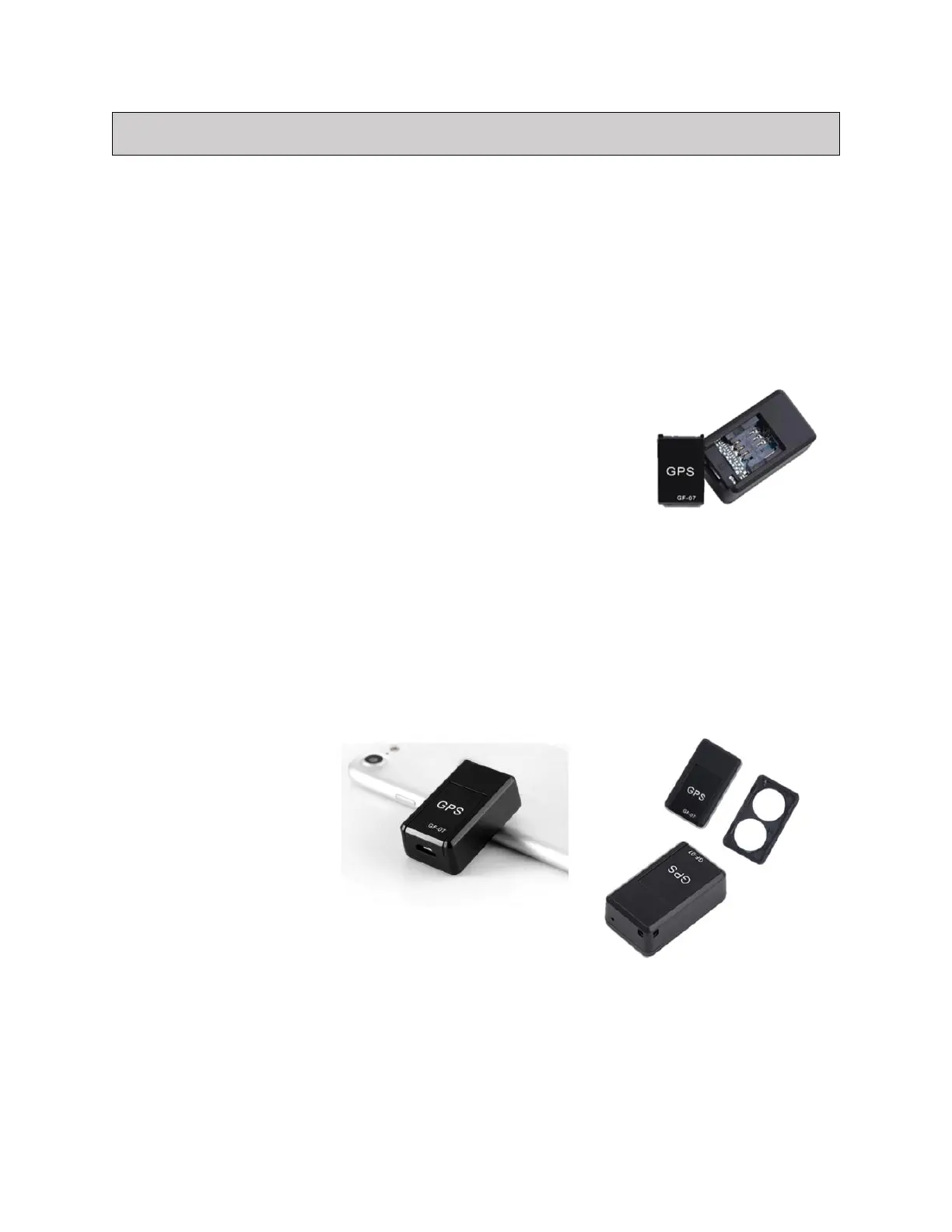
Then you can open the cover of the GPS tracker and insert the SIM card by
sliding it into the SIM card holder. Provide the SIM card with sufficient
credit or an SMS/Internet bundle. With active use, an SMS/Internet bundle
is cheaper.
1. Charging GPS.
2. Insert the SIM card into the GPS card holder. Then the red light flashes.
Then the light goes out.
3. Then SMS 000 to the GPS number (SIM card number). After that you get an SMS back (Set binding).
4. Then SMS 777 to get the location of the GPS. Then click on the link that is sent back. (link from GPS
location)
Not included: SIM card / Adapter


 To Previous Page
 Loading...