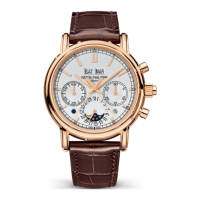
SPLIT-SECONDS CHRONOGRAPH
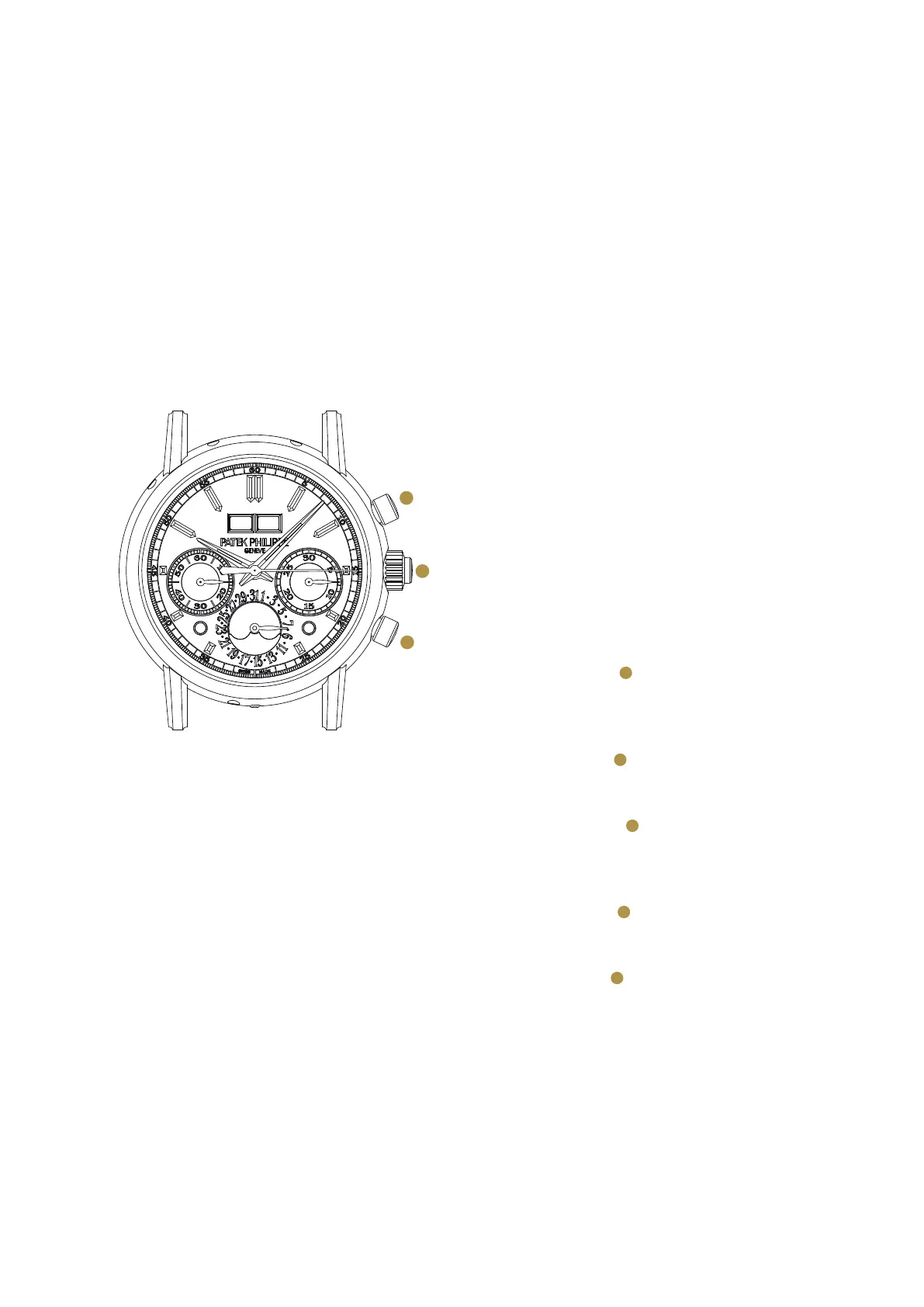
The two seconds hands are started and stopped by
consecutively pressing the button at 2 o’clock.
To read a lap time without stopping the chrono-
graph, press the button in the crown (split-seconds
button); this will stop the split-seconds hand only.
When you press the split-seconds button anew,
the split-seconds hand will swiftly catch up with
the chronograph hand again. Repeat the process to
obtain further lap time readings.
We advise against running the chronograph per-
manently; this could cause premature wear of the
mechanism.
NORMAL USE
Actuate the button at 2 o’clock: This simulta-
neously starts the chronograph and split-seconds
hands.
Actuate the button in the crown: This stops the
split-seconds hand.
Actuate the button in the crown again: the
split-seconds hand catches up with the chrono-
graph hand.
Actuate the button at 2 o’clock: This stops the
chronograph.
Actuate the button at 4 o’clock to set the super-
imposed chronograph and fly-back hands to zero
(reset).
Caution: Do not reset before the chronograph and split-
seconds hands are superposed. Otherwise, the split-seconds
hand will remain at its last lap time position.
A
B
C
A
A
B
B
C


 To Next Page