www.scanitparts.com
How to use the Monarch Scanner
Note: On the ScanIt Parts PC, the Interact window
must always be open.
To boot the system:
1) Push the RED power button under the scanner screen.
2) When prompted, touch the screen to connect.
3) Load Labels: Select then select ,
this will print one label.
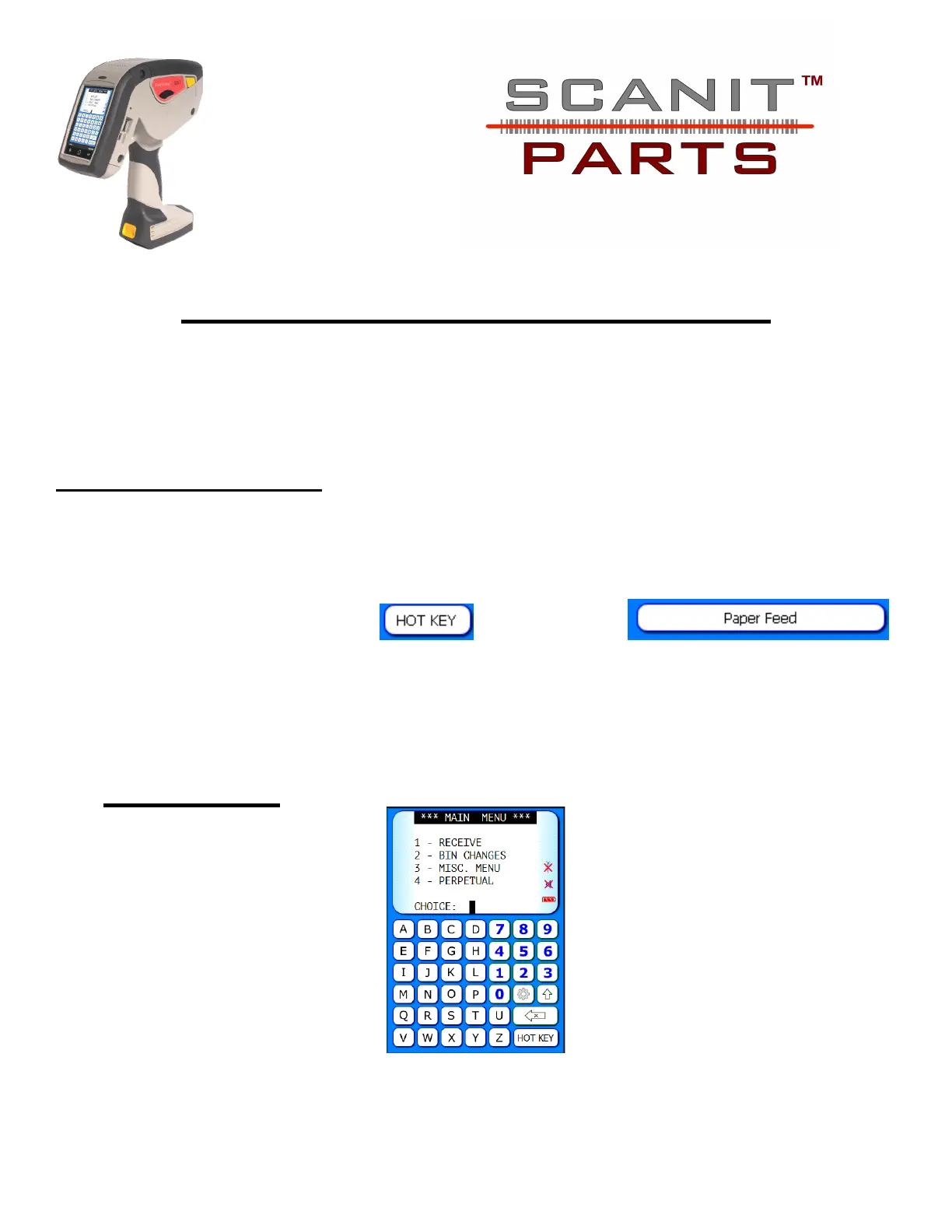
4) Choose a desired option from the Main Menu.
Main Menu



 To Next Page