www.scanitparts.com
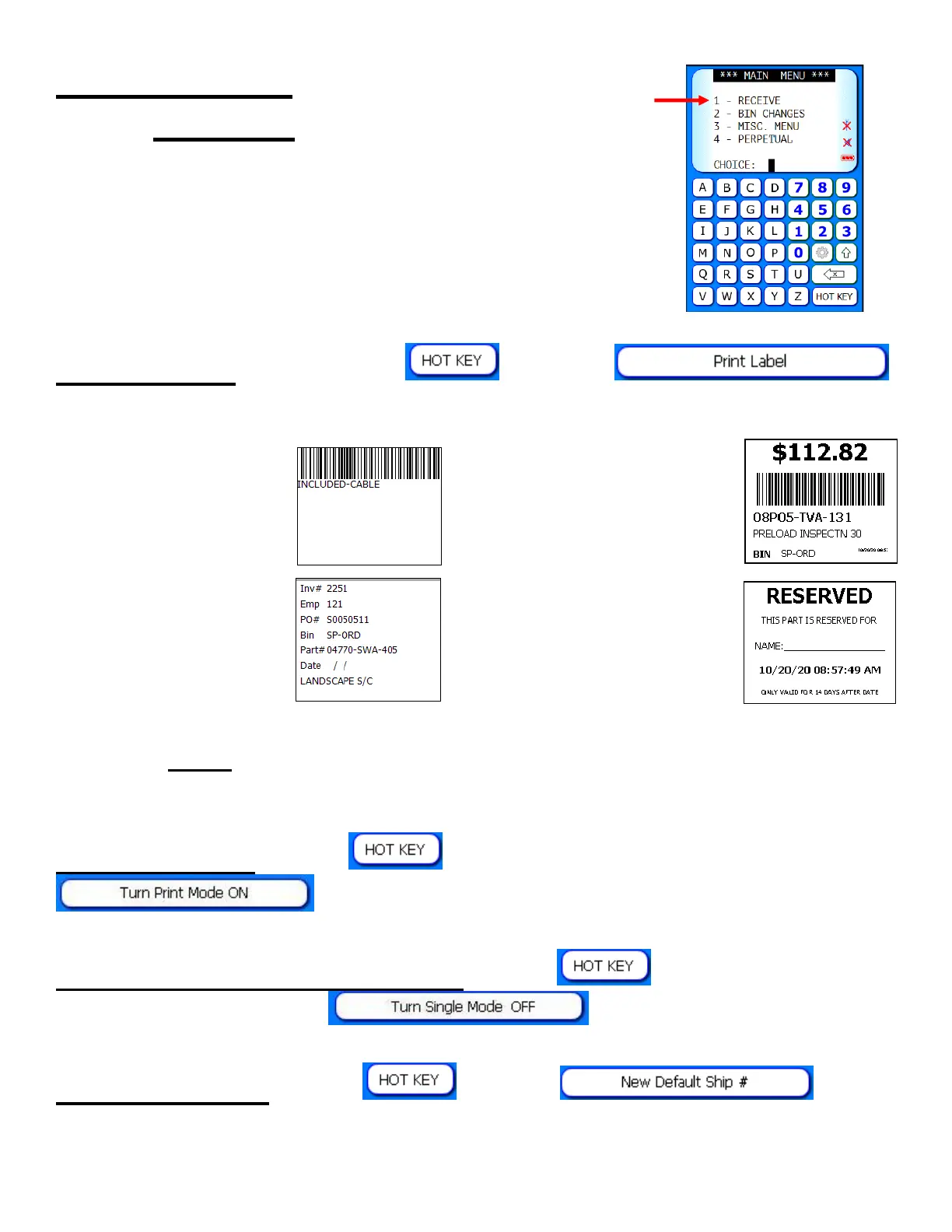
Main Menu 1:
Receive
Print Labels: Select the
, select ,
then select which type of label to print:
Part # Barcode ● Point of Sale
SPO Label ● Reserved
Note: Customize the labels: Main Menu > Equipment > Label
Designer.
Print all labels: Select
then turn print mode on by selecting
.
Quantity enter while scanning: Select
then turn single
mode off by selecting .
Shipper # enter: Select
, select , enter
or scan a new shipper #. The shipper # will remain as a default in
the scanner until changed or removed.



 To Next Page