www.scanitparts.com
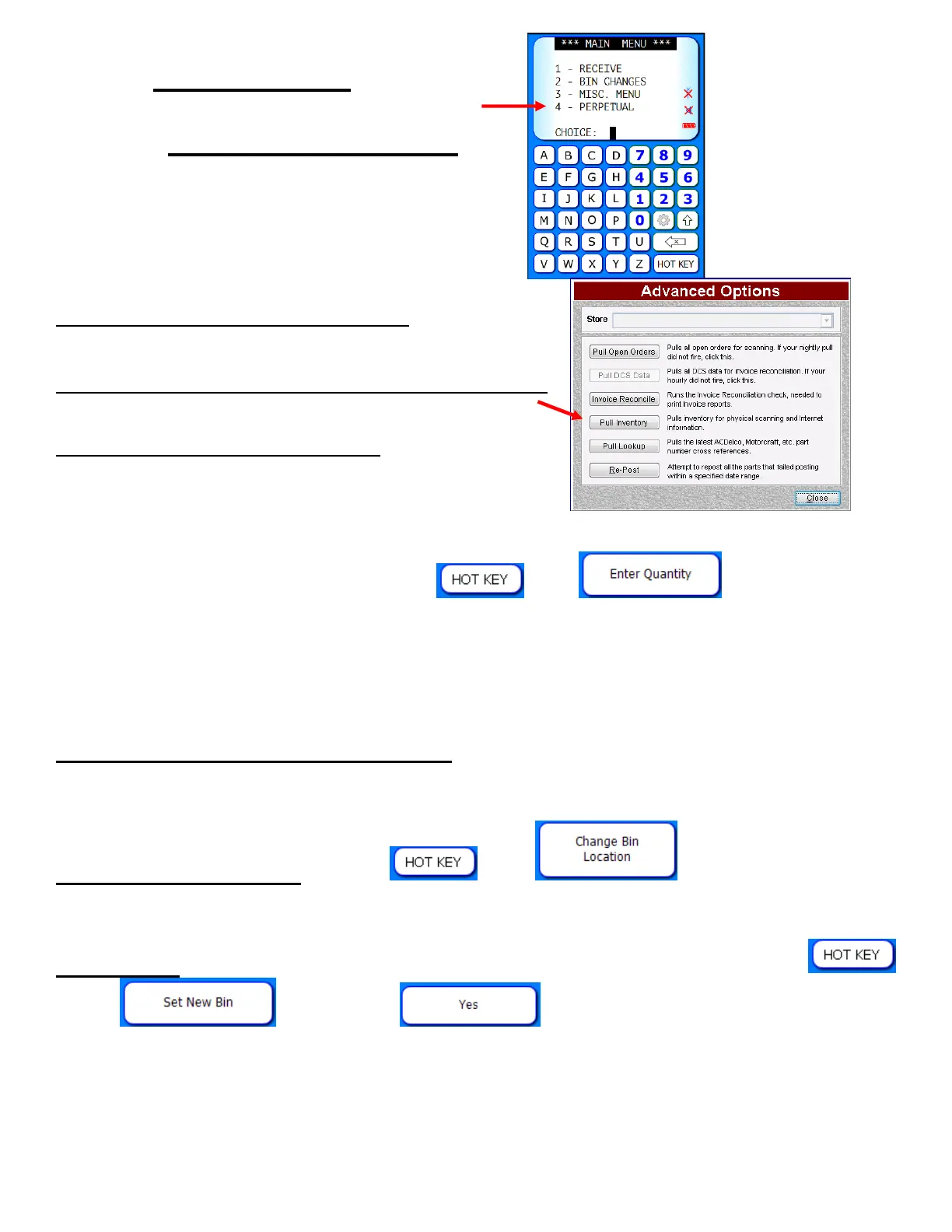
Main Menu 4:
Perpetual Inventory
Step 1. Pull Inventory in Interact
Step 2. Enter the bin location on the scanner
Step 3. Begin scanning parts:
The default quantity will be 1.
Example: If you have 20 pieces in a bin, you can (A) scan one piece at a
time or (B) scan a part then select
then .
Note: No quantity changes are uploaded to your inventory while doing
a perpetual inventory/cycle count. You must manually adjust
your inventory counts in the DMS.
Step 4. Perpetual Inventory Report: Available under the reports section of
the Main Menu, run by date or an exact bin location.
Change bin locations: Select
then . Enter the new bin
location.
Wrong bin: To move a part number to another bin location select
then . Select . This changes the part's bin
location within your inventory.



 To Next Page