www.scanitparts.com
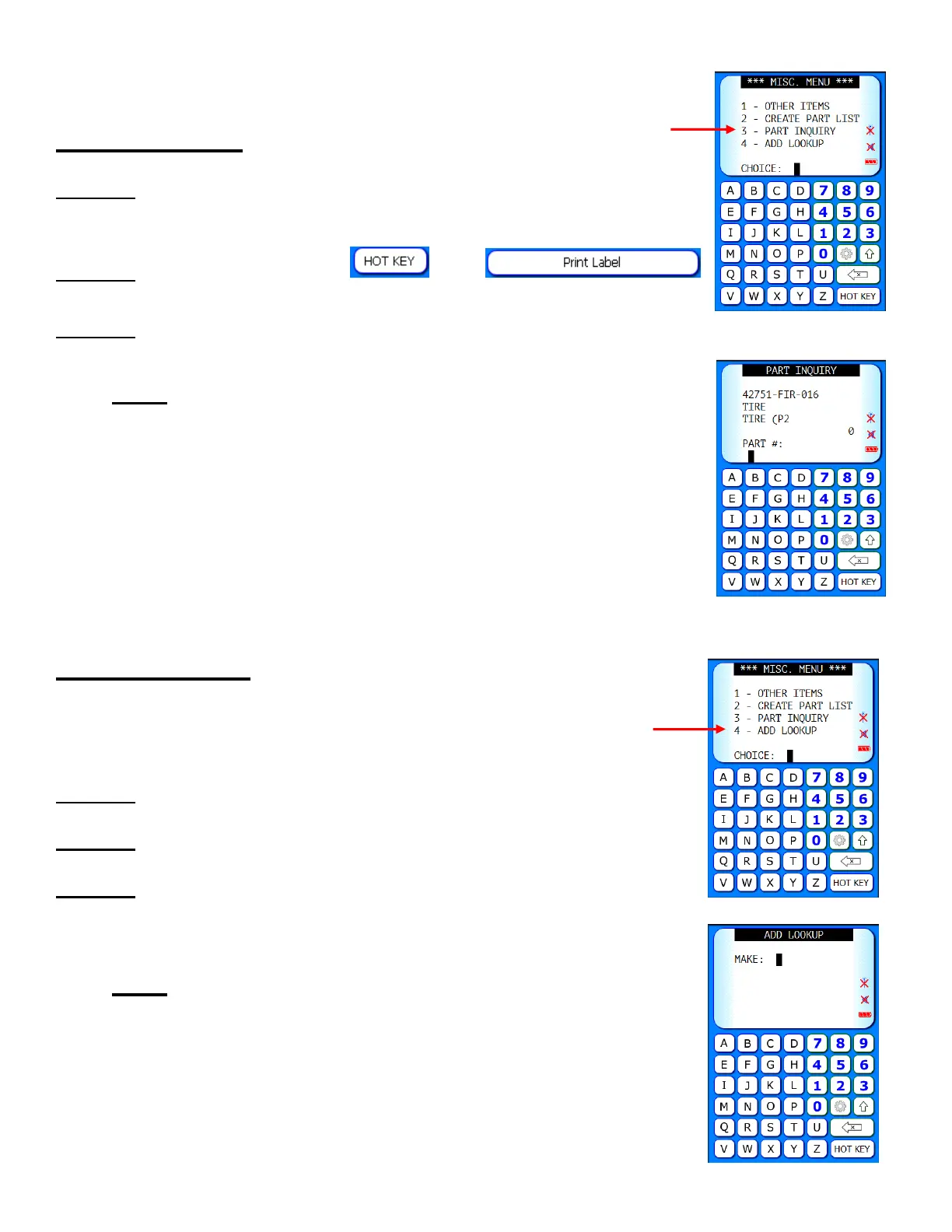
3. Part Inquiry
Step 1. Scan Part: Displays part #, description,
bin location, and quantity
Step 2. Print Label: Select
then
Step 3. Choose label type
Note: Add up to 2 additional labels using the label
designer through Main Menu > Equipment >
Label Designer
4. Add Lookup
Converts a UPC barcode to the part number used in your
inventory.
Step 1. Enter Make/Manufacturer Code
Step 2. Scan UPC barcode
Step 3. Enter the part number for that item that is used in
your inventory
Note: The part number only needs to be entered
one time per UPC. Once completed, you now have
the capability to scan that UPC and it will
automatically convert to the part number in your
inventory.



 To Next Page