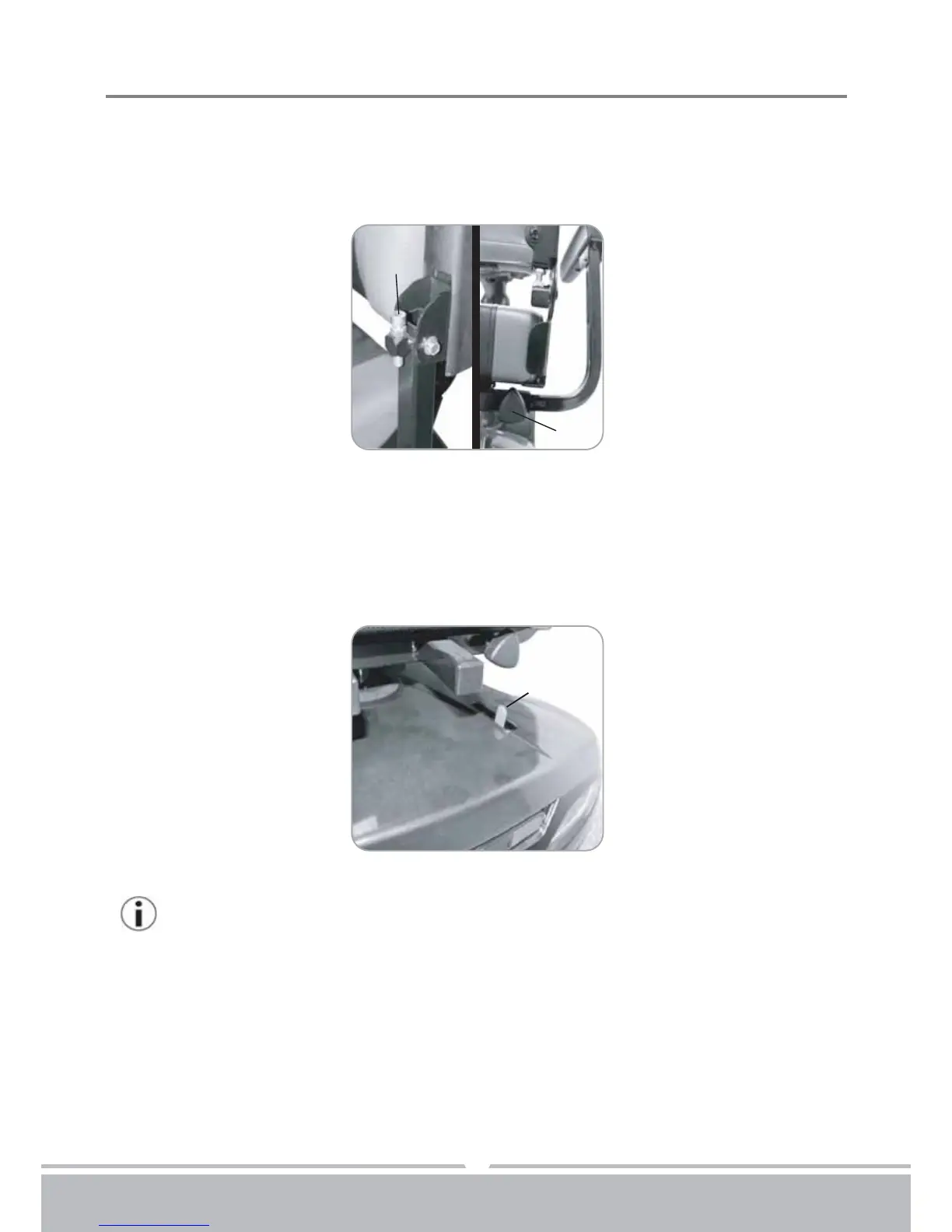
Figure 10
(J)
(K)
Armrest width Adjustment Thumbscrews
1.Loosen the two thumbscrews (K) to adjust arm width tighten again to lock in at desired
position.
2.Adjust the attached screw (J)'s height, to control armrest's angle.
Figure 11
(L)
8
Anti-tip wheels
Helps keep scooter from tipping over.
Free-Wheeling Lever (L)
When lever is in N (Neutral) position, scooter can be moved manually without power.
When lever is in D (Drive) position, scooter can be driven. Normal position is D.
Your scooter should be delivered fully configured for your use;
There are a range of components and adjustments available on the ST#4E /4D.
For further information about these you should contact your Patterson Medical
authorised dealer.


 To Next Page