SmartNode Model 4120 Quick Start Guide 3
2.0 Configuring your SmartNode
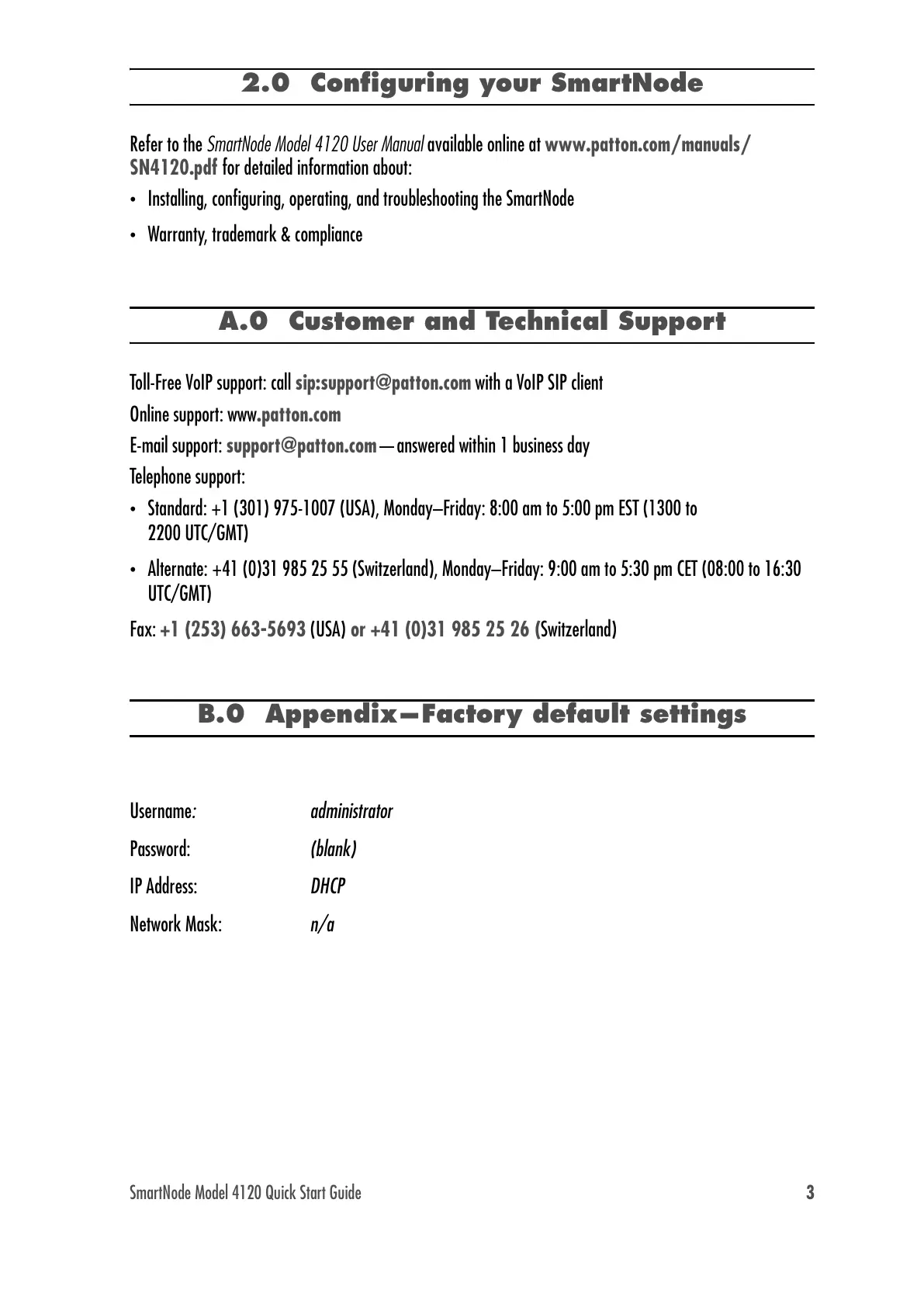
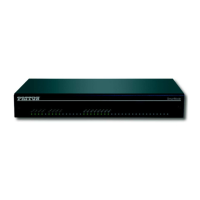
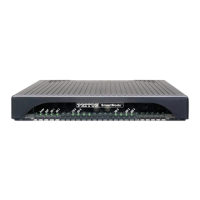
Refer to the SmartNode Model 4120 User Manual available online at www.patton.com/manuals/
SN4120.pdf for detailed information about:
•
Installing, configuring, operating, and troubleshooting the SmartNode
•
Warranty, trademark & compliance
A.0 Customer and Technical Support
Toll-Free VoIP support: call sip:support@patton.com with a VoIP SIP client
Online support: www.patton.com
E-mail support: support@patton.com—answered within 1 business day
Telephone support:
•
Standard: +1 (301) 975-1007 (USA), Monday–Friday: 8:00 am to 5:00 pm EST (1300 to
2200 UTC/GMT)
•
Alternate: +41 (0)31 985 25 55 (Switzerland), Monday–Friday: 9:00 am to 5:30 pm CET (08:00 to 16:30
UTC/GMT)
Fax: +1 (253) 663-5693 (USA) or +41 (0)31 985 25 26 (Switzerland)
B.0 Appendix—Factory default settings
Username: administrator
Password: (blank)
IP Address: DHCP
Network Mask: n/a


 To Next Page