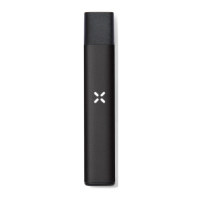
USAGE MONITORING
Your device can track the number of puffs you’ve taken.
1. Double-tap the device to view your usage on your
indicator light.
2. Count the number of petal colors; this is the
number of puffs you’ve taken in the session.
3. Sessions will reset 30 minutes after the last puff.
4. Tap six times to reset to zero at any time during the session.
*One “puff” is roughly a 1-2 second inhale, depending
on variables like temperature and draw strength.
F
V
N
© 2
L
a
P
2 PUFFS 5 PUFFS 10 PUFFS


 To Next Page