16
User and installation guide / Manuel d’installation et d’utilisation
EN/FR – To the user / À l’usage de l’utilisateur
Basic setting:
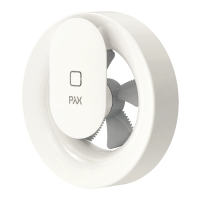
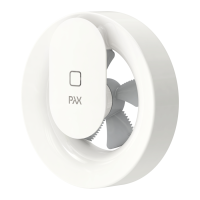
Pax Norte is programmed to cope with the vast
majority of installations.
The fan works continuously with a basic ow of
approximately 30 m³/h. When the light changes,
when a light is switched on or when shadows
change when someone moves in the room, the
ow increases to approximately 60 m³/h.
If the humidity rises rapidly, for example when the
shower is on, the fan goes up to maximum ow at
approximately 95 m³/h.
When the humidity has been removed, the fan re-
verts to the basic ow of approximately 30 m³/h.
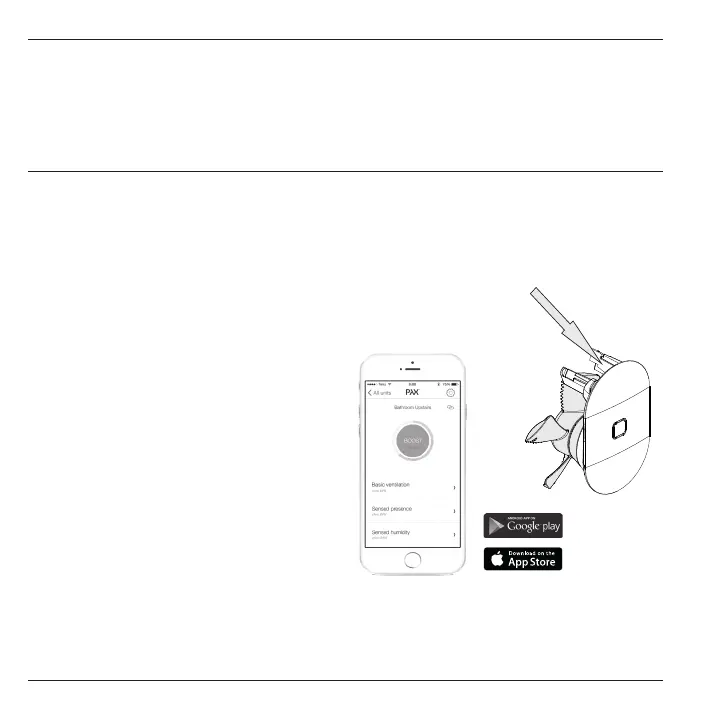
If other settings or functions are desired, down-
load the Norte app from the App Store or Google
Play. The app is called “Pax Wireless”.
Requirements for functionality via app
Versions of the operating system is updated
continuously, for information go to:
www.pax.se
Fault indication:
Red LED on the fan indicates power failure when
the calendar function has been activated.
Reset by syncing the app with the fan.
EN: Pax Norte®
Automatic functions
and settings via app
Activate the app:
You have to have a code to activate the app. The
code is unique to each fan. Enter the code or scan
it using your phone. Your unique code is on the right
leg of the motor unit (Figure T).
T.
Learn more about all the possibilities with our
app at www.pax.se


 To Next Page