Need help?
Do you have a question about the PayFacto PAX A77 and is the answer not in the manual?
Provides an overview of the PAX A77 payment terminal and its intended use.
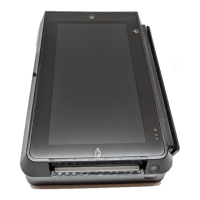
Identifies and illustrates the main hardware features and components of the PAX A77 terminal.
Step-by-step instructions for charging the terminal's battery before initial use.
Guide on how to change the terminal's display language from the default English setting.
Instructions for setting up both mobile (SIM card) and Wi-Fi network connections for the terminal.
Details the process of activating the payment terminal using a One Time Passcode (OTP).
Guide on setting up Administrator and Merchant passwords for terminal security.
Instructions on how to properly turn the PAX A77 terminal on and off.
Explains the methods for entering information and responding to prompts on the terminal.
Describes the three methods for customers to use their payment cards with the terminal.
 General
| Connectivity | Wi-Fi, Bluetooth, 4G LTE |
|---|---|
| Display | 5.5-inch |
| Operating System | Android |
| Card Readers | Magstripe, EMV, NFC |
| Battery | 3000 mAh |
| Ports | USB Type-C, 3.5mm audio jack |
| Camera | 5 MP rear |
| Certifications | PCI PTS 5.x, EMV L1 & L2 |


 To Next Page