EasyManua.ls Logo

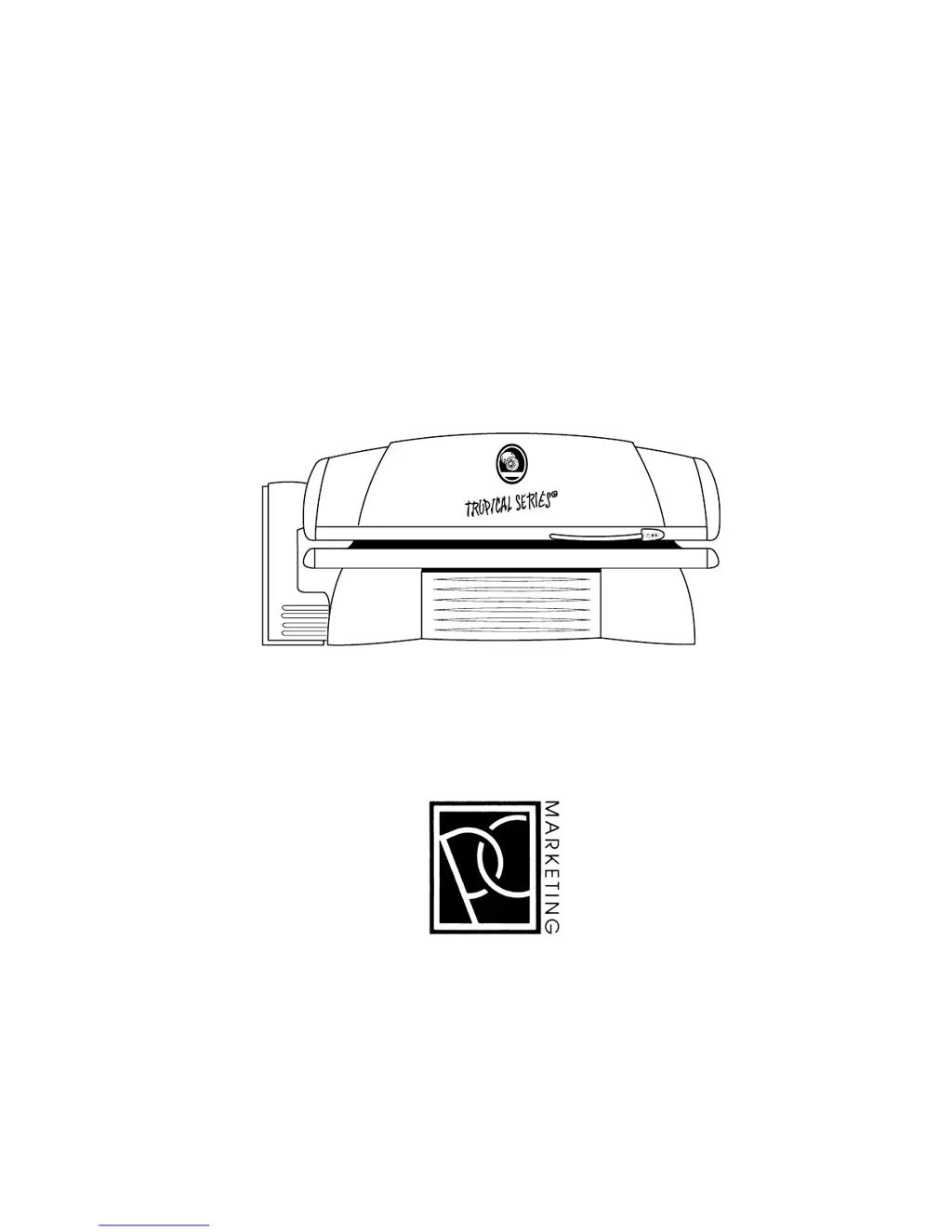
PC MARKETING Tropical Series - User Manual

PC MARKETING Tropical Series
20 pages
Print Icon
To Next Page IconTo Next Page
Loading...
1
INDOOR TANNING EQUIPMENT
Care, Use and Installation
Instructions
Tropical Series, 32 GB, 41 U·P·P
PC MARKETING
1040 WILT AVENUE
RIDGEFIELD, NJ 07675
1-800-FAST TAN
0
0
0
0
0
0
0
0
32 GB

Questions and Answers

  • K
    Kaitlyn SandovalAug 12, 2025
    Why is my PC MARKETING Personal Care Product canopy or lounge getting too hot?
    • V
      vclarkAug 12, 2025
      If the canopy or lounge of your PC MARKETING Personal Care Product is getting too hot, the air intake filters (filter pads) might be clogged. Check them to ensure they are clean. Also, make sure that the heated cooling air can exit into the outside atmosphere without being blocked. Ensure that the airflow in the flexible duct or ventilation duct is not excessively hindered. For further assistance, an authorized technician approved by PC MARKETING should perform a check.
  • D
    donna36Aug 21, 2025
    What to do if one or more lamps are not lighting on my PC MARKETING Personal Care Product?
    • T
      Tim ThompsonAug 21, 2025
      If one or more lamps on your PC MARKETING Personal Care Product aren't lighting, try these steps: * First, take off the acrylic sheet and make sure the lamp is properly inserted. * Check that the starter is correctly seated. * Remove and reinsert the starter for the non-lighting lamp. * Try inserting the starter from a working lamp. If the lamp still doesn't light, it's likely defective and needs replacement. If the lamp lights with a different starter, there may be an electrical short in the unit, which should be checked by an authorized technician.
  • J
    Jacqueline WillisAug 31, 2025
    How to fix dark spots at the ends of the lamps on PC MARKETING Tropical Personal Care Products?
    • J
      Jason BakerAug 31, 2025
      If you notice dark spots at the ends of the lamps in your PC MARKETING Personal Care Product, replace the starter.

PC MARKETING Tropical Series Specifications

General IconGeneral
BrandPC MARKETING
ModelTropical Series
CategoryPersonal Care Products
LanguageEnglish