Elysium
GAMING MONITOR
EN
12
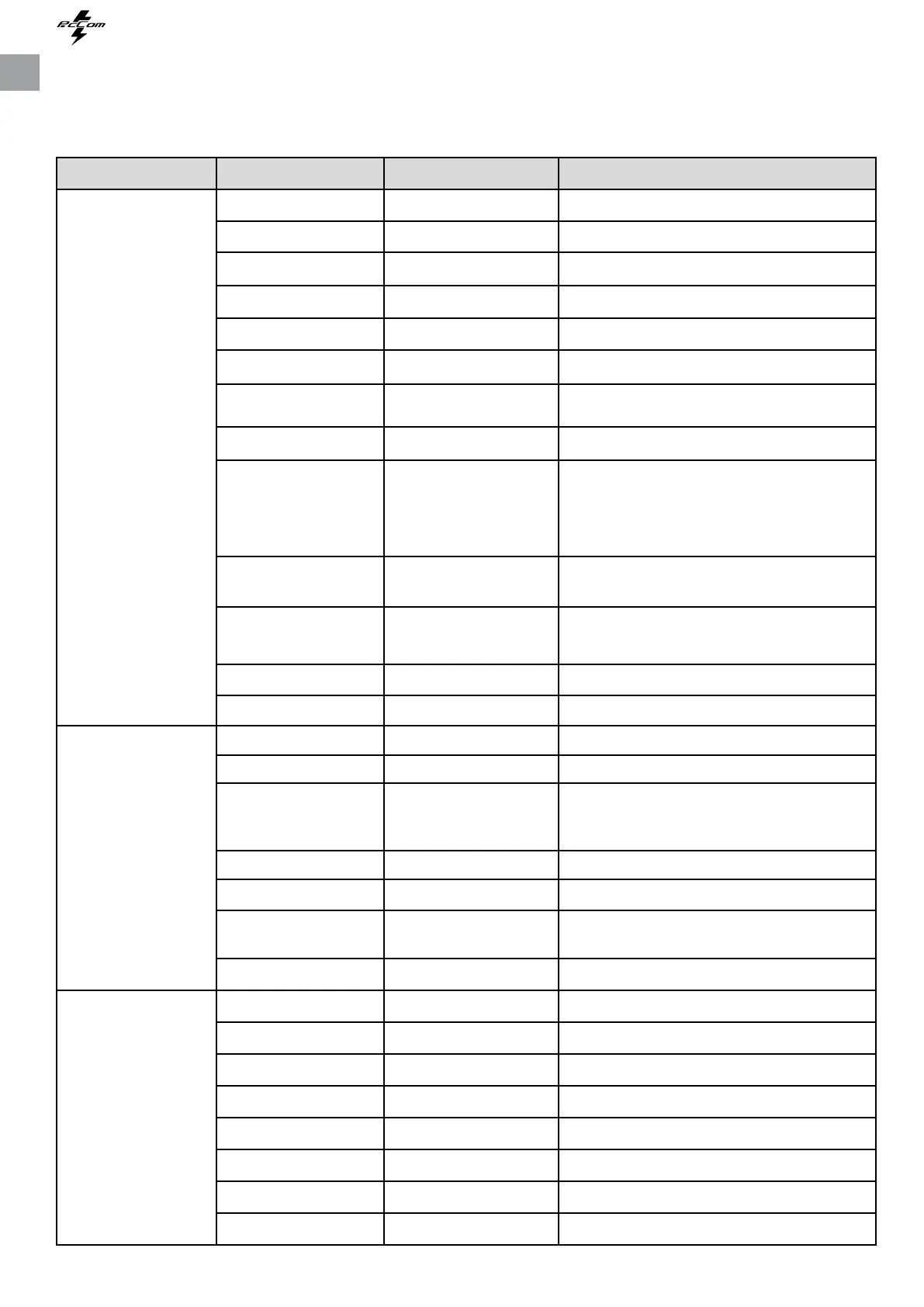
OSD MENU FUNCTIONOSD MENU FUNCTION
Game Seng
Picture Sengs
Color Seng
Standard Mode O/On Turn the Standard Mode funcon on/o
RTS/RPG Mode O/On Turn the RTS/RPG Mode funcon on/o
FPS Arena Mode O/On Turn the FPS Arena Mode funcon on/o
MOBA Arena Mode O/On Turn the MOBA Arena Mode funcon on/o
FreeSync O/On Turn the FreeSync funcon on/o
Shadow Balance 0-100 Adjust Shadow Balance levels
Response Time
O, Normal, Fast,
Ultrafast
Adjust response me
Refresh rate O, On, Posion -
Game Crosshair
O, Crosshair1, Crosshair2,
Crosshair3, Crosshair4,
Crosshair5, Crosshair6,
Turn the Game Crosshair on/o
Game Time
O, 15:00, 30:00, 45:00,
60:00, Posion
Turn the Game Time on/o
Dynamic Brightness
O, Normal, Expert,
Elaboraon
Compensate for gray scale display screen and
strengthen the expression of gray scale
MPRT O/On Standard Mode
Brightness 0-100 Adjust display brightness
Contrast 0-100 Adjust display contrast
DCR O/On Turn the DCR funcon on/o
Contextual Model
O, Movie Mode, Reading-
Mode, Night Mode, Care
Eyes Mode
Turn the Contextual Model funcon on/o
Low Blue Light 0-100 Set blue light ltering level
Sharpness 0~5 Set display sharpness
Gamma 1.8/2.0/2.2/2.4/2.6/S.curve Set Gamma add-in
Aspect Rao Wide Screen, 4:3, 1:1, Auto Select on-screen aspect rao
Warm O/On Set the monitor color temperature mode
Natural O/On Set the monitor color temperature mode
Cool O/On Set the monitor color temperature mode
User1 O/On Set the monitor personalized color temperature
User2 O/On Set the monitor personalized color temperature
User3 O/On Set the monitor personalized color temperature
Hue 0-100 Adjust hue levels
Saturaon 0-100 Adjust saturaon levels
Main Menu Submenu Choices Descripon


 To Next Page