English
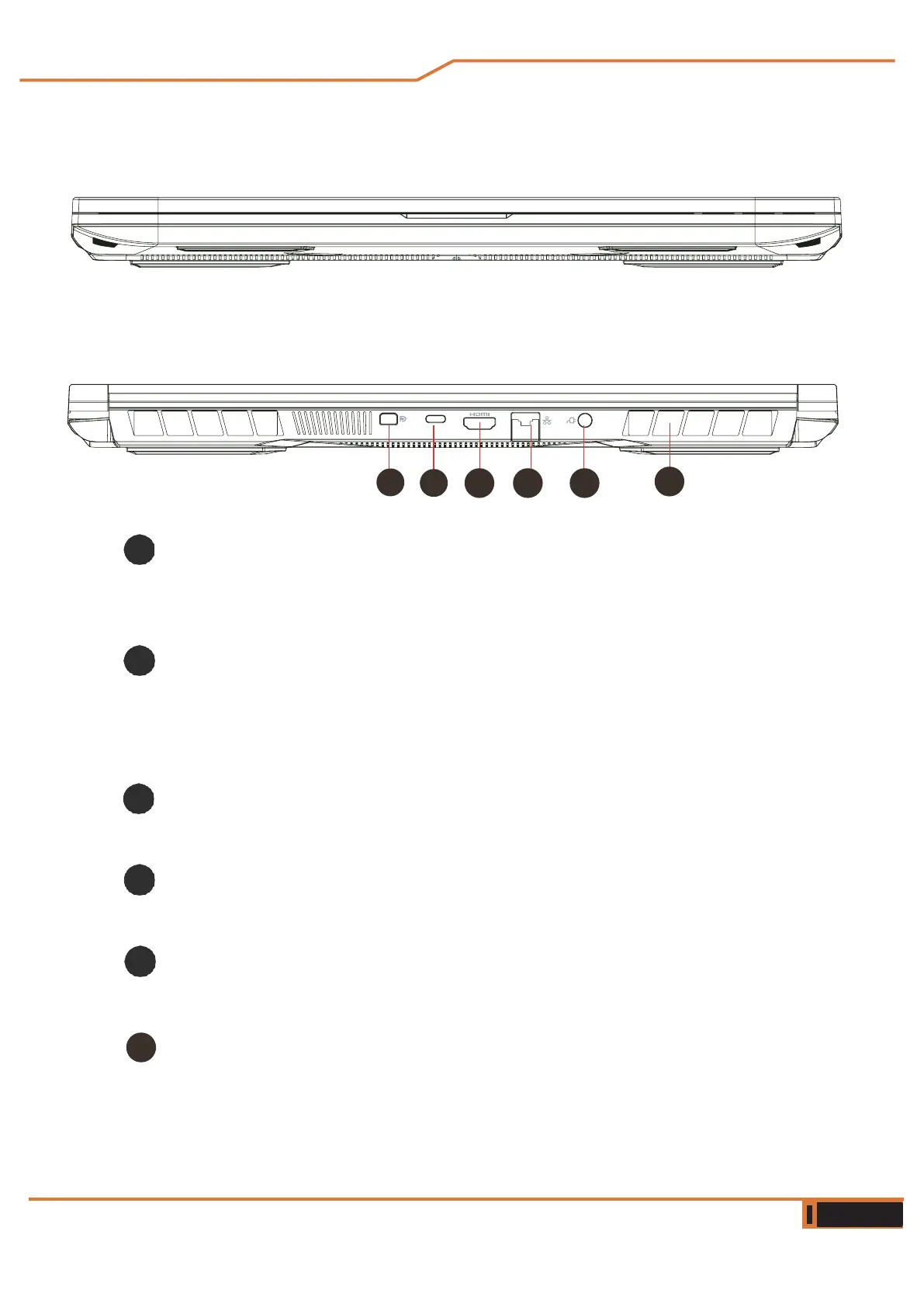
Front side view
Rear side view
Cooling connectors
If you have purchased a liquid cooled case, please refer to the
corresponding manual.
USB port (Type C)
Connect a USB device
device (such as a USB Zip drive, keyboard or mouse) into this
jack.
HDMI port
Connected to the display or home theater system.
Network Jack
This jack allows you to connect to a LAN network.
Power connector
Plug the AC adapter into this connector.
Vents
Thermal vents are designed to cool the internal components
and prevent overheating.
1
4 5
2
3
6
6



 To Next Page