10
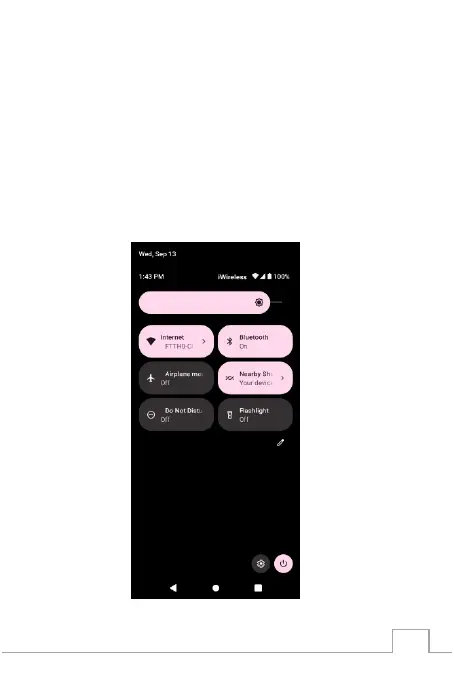
Status and Notication Panel
The Status panel displays status icons to show the
current state of your phone, such as battery charging
progress, alarms, Bluetooth, and so on. The Notication
panel displays notication icons to inform you of new
email, messages, and so on.
To view both panels, place nger on top-center of
screen, and slide down, then tap an icon to view details.



 To Next Page