9
arrow. Now you can enable or disable functions by
touching the icons
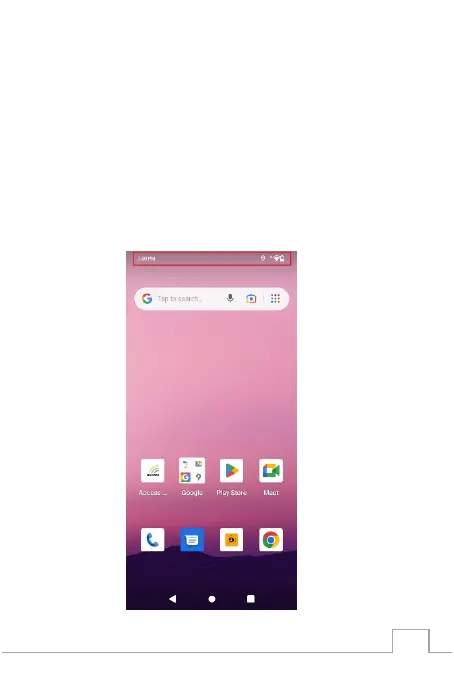
Status Bar
The Status bar at the top of the screen includes
notications from various apps, current time, and the
states of various items such as battery status, WLAN
status, Signal status, and so on.



 To Next Page