
 Need help?
Do you have a question about the PCS Electronics PEBBLE and is the answer not in the manual?
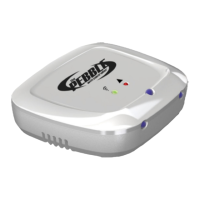
Press 'Send BlinkUp' and place the Pebble on the smartphone screen.
Check LED status for success (Green) or failure (Orange/Red) and repeat if necessary.
Select your AC brand and remote model number in the app and save.
Use the app, consult manual for features, and follow placement/safety guidelines.
 General
| Brand | PCS Electronics |
|---|---|
| Model | PEBBLE |
| Category | Controller |
| Language | English |

 To Next Page