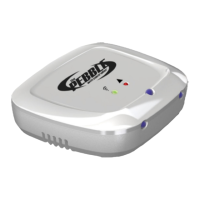
If setup is successful (after approx 15sec ) the GREEN LED
on the Pebble will flash GREEN once then RED/Orange a
few times and then GREEN again for approximately one
minute. Now remove the Pebble from your smartphone
and go to step 9
If the LED flashes ORANGE or RED or does not light up again
then the process has failed and it will need to be repeated. Re-
do from STEP 7 Ensuring you un-plug the Pebble and wait
approx. 30 seconds before plugging back in again.
Other flashing codes are shown in the complete manual provided
with the Pebble.


 To Next Page