EasyManua.ls Logo

PDi WaveStar 2000A - User Manual

PDi WaveStar 2000A
107 pages
Print Icon
To Next Page IconTo Next Page
Loading...
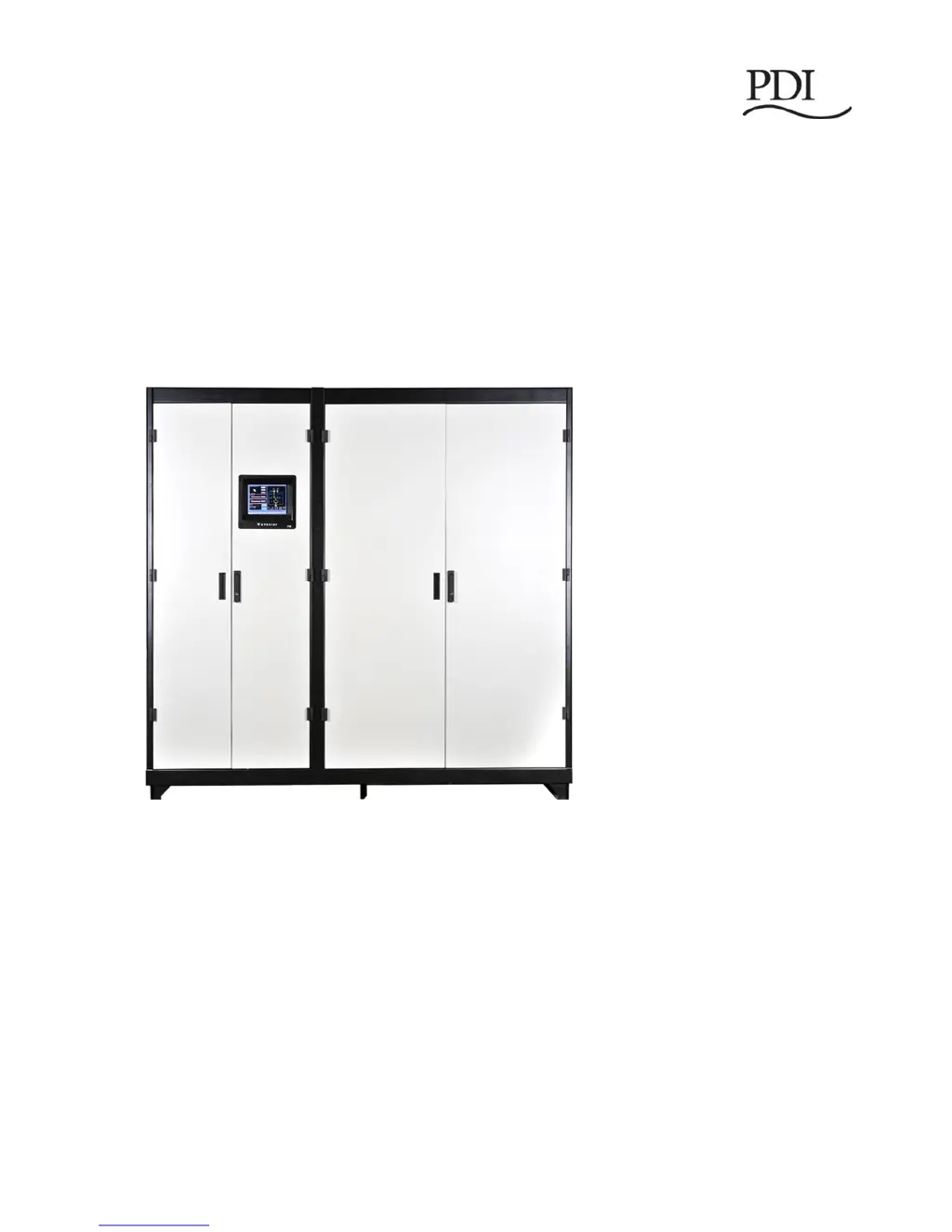
WaveStar
Static Transfer Switch
2000A 3-Pole
Installation and Operation
Ctrl Nr: DOC15139
Revision: 004

Table of Contents

Questions and Answers

  • S
    Stephen AndersonAug 2, 2025
    How to troubleshoot a PDi Power distribution unit with no power?
    • R
      Robin ReyesAug 3, 2025
      If your PDi Power distribution unit has no power, first ensure the building has power. Then, verify the unit is correctly connected to the Power Input bus. Finally, check if the input breaker is closed; if not, turn it on or reset it.
  • D
    davidcantuAug 12, 2025
    Why does my PDi WaveStar 2000A have no output voltage but the indicators are on?
    • M
      Melanie DennisAug 12, 2025
      If there's no output voltage from your PDi Power distribution unit, but the indicators are on, the input circuit breaker might be off or tripped. Check the display panel for alarms, acknowledge or reset them, and then turn on or reset the breaker.
  • J
    Joseph MillerAug 23, 2025
    What to do if a specific output circuit is dead on my PDi WaveStar 2000A?
    • M
      Michael PhillipsAug 23, 2025
      If a specific output circuit on your PDi Power distribution unit is dead, it could be due to an output circuit breaker being off. Try turning on or resetting the breaker. Also, ensure the output circuit breaker and/or cable are properly connected to the equipment and turn it on if you are authorized to do so.

Summary

System Description

System Overview and Characteristics

Covers basic characteristics, system layout, and redundancy.

Transfer Process and Components

Details algorithms, power switching components, and their configuration.

Operational Information and System Features

Covers interfaces, security, communications, optional features, and standards.

Installation Planning

System Enclosure and Environment

Covers enclosure specs, clearances, cooling, and environment.

Electrical Specifications and Grounding

Details electrical ratings, surge protection, and grounding.

Wiring and Connections

Covers breaker ratings, power sources, customer connections, and control wiring.

Class A Computing Device

Discusses FCC compliance for radio frequency energy emissions.

System Unpack and Inspection

Unpacking and External Checks

Guides on checking the unit for damage upon arrival and unpacking.

Internal Inspections and Wiring

Details internal component checks and wiring integrity verification.

Installation and Startup Procedures

Installation and Connection Steps

Guides on positioning the unit and making power connections.

Commissioning, Testing, and Setup

Covers initial power-up, acceptance testing, and configuration.

Customer Communications Connections

Contractor Boards and Interfaces

Details contractor boards, Ethernet, and dry contact signals.

Operational Interfaces

Touchscreen and Redundant Interfaces

Covers touchscreen display, voice unit, login, and ROI panel.

Operational Modes

Normal, Redundant, and Bypass Modes

Explains operation in Normal, Redundant, and Bypass modes.

System Setup: Administration

Access Levels and User Management

Defines access levels and guides on user setup and management.

System Setup: Operation

Configuration and Switch Settings

Details system configuration and switch parameter adjustments.

System Setup: Networking

Network and Time Configuration

Covers settings for Ethernet, time synchronization, and Modbus.

Alarm Notification and Modem Setup

Details email and modem alarm notifications.

Status, Alarms, and Other Diagnostic Information

Points Lists and Status Screens

Explains points lists, digital/analog values, and additional status screens.

Events, Alarms, and Waveforms

Covers logs, alarms, waveform plots, and help procedures.

Operator Procedures

Startup, Restart, and Failure Handling

Guides on startup, monitor restarts, SAS transfers, and component failures.

Digital and Analog Points

Point Definitions and Alarm Settings

Lists digital and analog points, their states, and default alarm settings.

Service

PDI Support, Warranty, and Contracts

Covers service department, warranty terms, and maintenance contracts.

General Terms and Conditions

Outlines agreement terms, exclusions, charges, and liability.

PDi WaveStar 2000A Specifications

General IconGeneral
BrandPDi
ModelWaveStar 2000A
CategoryPower distribution unit
LanguageEnglish