Need help?
Do you have a question about the PDP Nemesis and is the answer not in the manual?
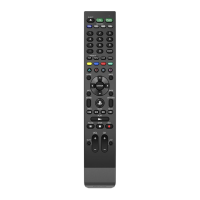
Press to turn on/off console and TV, or return to the Xbox Home screen.
Press to display more information within games and applications.
Press to open the Xbox Menu for quick access to apps and settings.
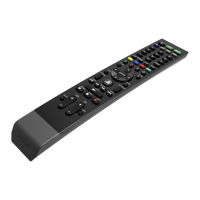
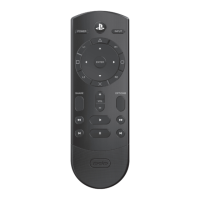
Use the directional pad buttons to navigate your console screen and media apps.
Program quick access to a media app through console settings.
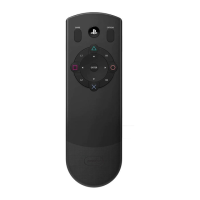
These buttons mirror the functions of an Xbox controller's X, Y, A, and B buttons.
Adjust volume, change channels, and mute audio using the designated controls.
Charge the remote using the included USB-C cable connected to your console.
Utilize the built-in solar panel for sustainable charging under artificial light.
 General
| Brand | PDP |
|---|---|
| Model | Nemesis |
| Category | Remote Control |
| Language | English |

 To Next Page