EasyManua.ls Logo

Peaq PTV 55U0-IS - User Manual

Peaq PTV 55U0-IS
71 pages
Go to English
Print Icon
To Next Page IconTo Next Page
Loading...
Folded Size = A5
QG_PTV55_65U0IS_190424_V03
www.peaq-online.com
Imtron GmbH
Wankelstraße 5
85046 Ingolstadt
Germany
www.imtron.eu
DE
SCHNELLSTARTANLEITUNG 2
HU
GYORS BEÜZEMELÉSI ÚTMUTA 44
EN
QUICK-START GUIDE 16
NL
SNELSTARTGIDS 58
FR
GUIDE DE DÉMARRAGE RAPIDE 30
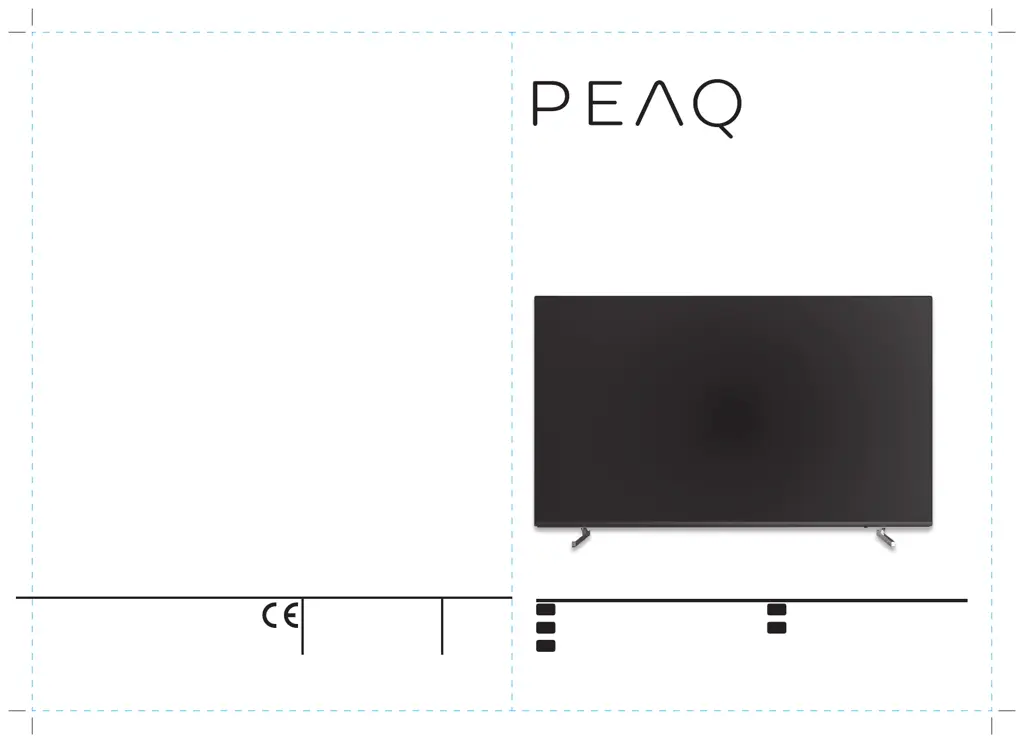
PTV 55U0-IS
PTV 65U0-IS
55/654K LED-TV DVB-T2/C/S2 Smart
QG_PTV55_65U0IS_190416_V01_HR.indb 1 17/4/2019 16:15

Questions and Answers

  • J
    Jaime BellAug 13, 2025
    What to do if my Peaq PTV 55U0-IS LED TV has abnormal picture?
    • J
      Joseph SanchezAug 13, 2025
      If your Peaq LED TV displays an abnormal picture, adjust the color option in the menu settings and keep the TV at a sufficient distance from other electronic products. If you see a display mosaic or snowflakes, check the signal cable and adjust the antenna. You can also try to fine tune the channel or simply try another channel. It may be an exit broadcasting signal problem.
  • R
    Rebecca ElliottAug 17, 2025
    What to do if Peaq PTV 55U0-IS LED TV has no sound but picture is OK?
    • T
      taylorlindaAug 17, 2025
      If your Peaq LED TV has no sound but the picture is fine, first ensure that the TV is not muted and that the volume is turned up. Then, open the sound menu and adjust the ‘Balance’. Also, check to see if headphones are plugged in; if so, remove them.
  • M
    Michael BrightAug 20, 2025
    What causes poor signal on Peaq LED TV?
    • P
      Pamela WilsonAug 20, 2025
      Poor signal on your Peaq LED TV is usually caused by interference from cell phones, walkie-talkies, automotive ignition systems, neon lights, electric drills, other electronic equipment, or radio interference sources.
  • H
    Hunter CraneAug 25, 2025
    What to do if Peaq LED TV shows ‘Network failure’?
    • K
      Katherine ThorntonAug 25, 2025
      If your Peaq LED TV shows a 'Network failure' message, check if the router works well and make sure the TV has successfully connected to it. Also, for models needing a USB dongle to connect to the internet, check if the USB dongle is properly inserted.
  • C
    Charles DouglasAug 28, 2025
    What to do if Peaq LED TV displays ‘This file is invalid’?
    • A
      April CaseAug 28, 2025
      If your Peaq LED TV displays ‘This file is invalid’ or the audio is normal but the video is abnormal, check if the file can be played on a PC. Also, verify that the video and audio codec is supported by the TV.
  • D
    Donald WashingtonSep 1, 2025
    What to do if Peaq PTV 55U0-IS displays ‘Unsupported audio’?
    • M
      Michael KennedySep 1, 2025
      If your Peaq LED TV displays ‘Unsupported audio’ or the video is normal but the audio is abnormal, check if the file can be played on a PC. Also, verify that the video and audio codec is supported by the TV.
  • J
    Jacob SandovalSep 5, 2025
    Why Peaq LED TV browser is forced to shut down?
    • M
      Miguel JordanSep 5, 2025
      The browser on your Peaq LED TV might be forced to shut down if the web page includes too many large pictures, leading to insufficient memory.
  • A
    Andrea HarrisSep 8, 2025
    Why web page can not be displayed completely on Peaq PTV 55U0-IS?
    • B
      Brandon WilliamsonSep 8, 2025
      Flash is not supported on Peaq LED TV.

Peaq PTV 55U0-IS Specifications

General IconGeneral
Screen Size55 inches
Resolution3840 x 2160 (4K UHD)
Display TypeLED
Smart TVYes
HDMI Ports3
USB Ports2
Wi-FiYes
BluetoothYes
Audio Output20W
Operating SystemAndroid TV
HDR SupportHDR10, HLG