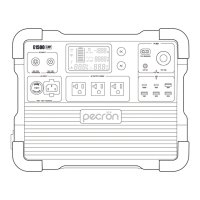
HOW TO USE THE EP3000-48V IN CASCADE WITH THE HOST
1:Before use, make sure the EP3000-48V power pack and the host have similar battery levels, with a difference of no
more than 10%.
If there is a significant difference in battery levels, it will take a longer time for the host and power pack to display
green, indicating a complete balance.
2:When cascading multiple power packs, check the serial number knob on each power pack to ensure the uniqueness of
the serial numbers. These serial numbers will correspond to the identification numbers of the power packs in the app.
Duplicate serial numbers can cause inaccuracies in battery levels, among other issues.
3:Use the MJ32-48V cascade cable to connect the host and the EP3000-48V power pack through the cascade port.
4:Once the connection is completed, the status LED of the EP3000-48V power pack should display either yellow or green.
Yellow indicates a significant difference in battery levels, indicating that the balancing process is in progress. Green
indicates that the power pack and the host are fully balanced. (If you need to use high-power devices, please wait for
complete balance.)
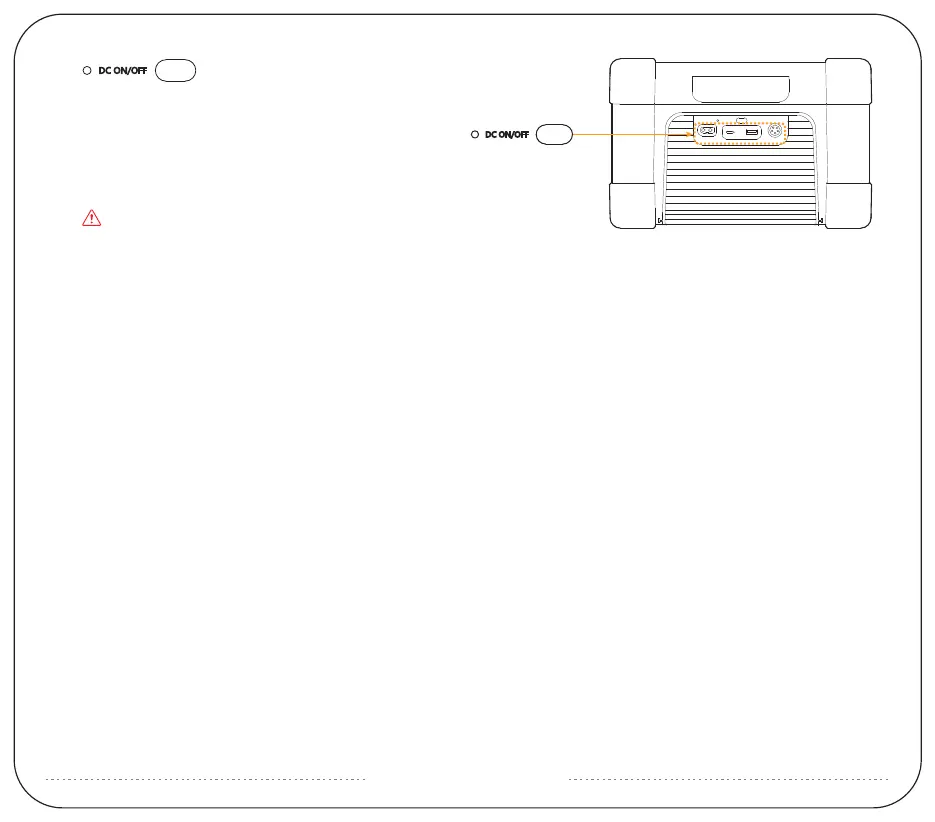
DC ON/OFF
12V-30A PD 100W 18W
DC INPUT
12~95V-400W
Long press to turn on/off DC (USB/XT60 12V)
Note: Operating temperature range of EP3000-48V is -20~45℃.
If the operating temperature is not within this range, it will fail to work.
support@pecron.com


 To Next Page
 Loading...