10 of 32
ISSUED: 03-31-10 SHEET #: 095-9347-6 03-22-12
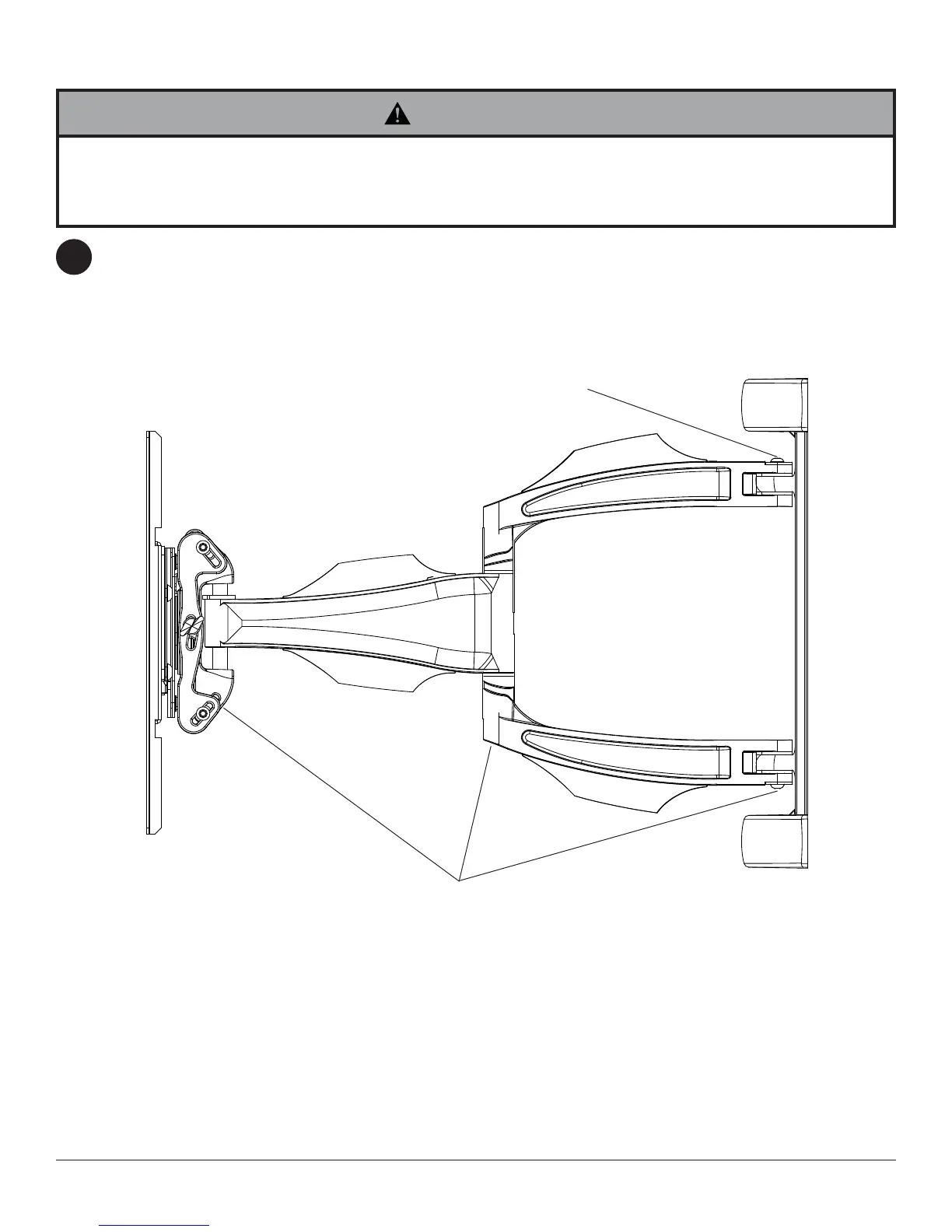
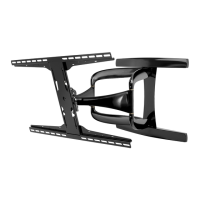
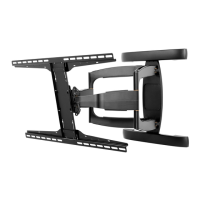
If more or less tension is desired in the arm pivot points, do the following:
• To increase tension, turn socket screw clockwise with 5mm allen wrench (I). NOTE: Tighten screws to
50 in • lbs (5.6 N.m.) maximum torque.
• To reduce tension, turn socket screw counter-clockwise with 5mm allen wrench (I). NOTE: Do not turn more
than half a turn.
9
• Do not remove screw or loosen screw until it is no longer engaged with the mount. Doing so may cause the screen
to fall.
• If screws become loose over time, tighten screws as necessary. Tighten screws to 50 in • lbs (5.6 N.m.) maximum
torque.
WARNING
TENSION SCREWS
TENSION SCREW
Arm Tension Adjustment
© 2012, Peerless Industries, Inc. All rights reserved.
All other brand and product names are trademarks or registered trademarks of their respective owners.




 To Next Page