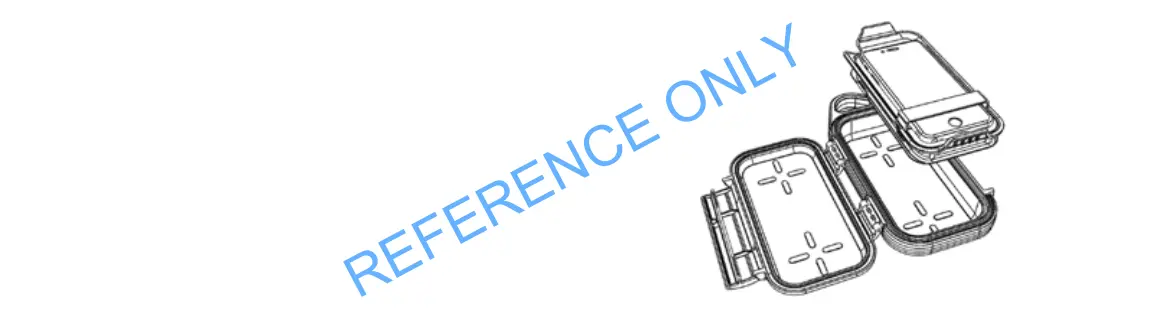
CHARGING A DEVICE WIRELESSLY
1. Open the case.
2. Press the ‘on’ button once. Green LED indicates stand-by.
White LEDs indicate battery charge level.
3. Place device on the Wireless Charging tray and secure with strap.
Device will automatically start charging. Blue LED indicates wireless
charging mode is active.
NOTE: The Wireless Charging tray will switch off automatically within
45 seconds if charging does not begin.


 To Next Page