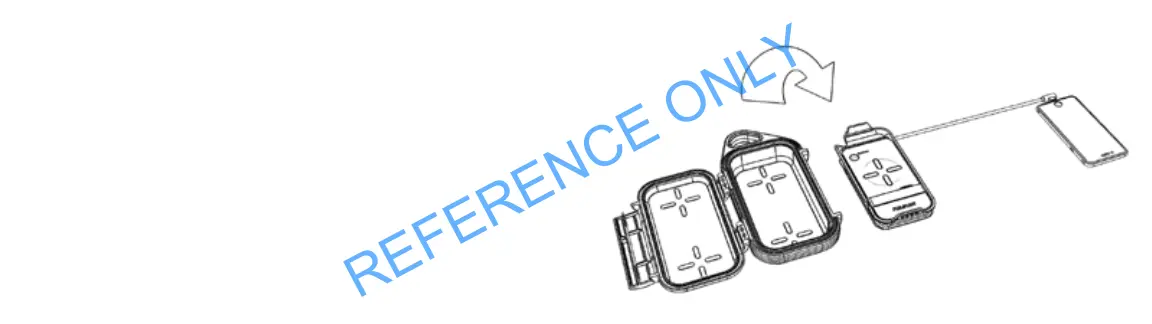
CHARGING A DEVICE VIA A USB LIGHTNING CORD
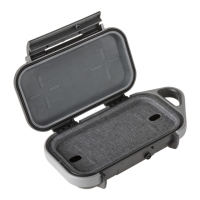
1. Open the case.
2. Remove the Wireless Charging tray.
3. Using your lightning USB charging cord (not supplied), plug the Type A
USB plug into the Type A USB port on the Wireless Charging tray and the
other end into your device.
4. Press the ‘on’ button once. Green LED will illuminate then switch off
White LEDs indicate battery charge level. Device will start charging.
NOTE: The Wireless Charging tray will switch off automatically within
45 seconds if charging does not begin.


 To Next Page