28
Configuration
PELICAN WEB APP
1
SERIAL NUMBER
2
To configure a new Pelican Z8, navigate to your building’s Pelican Web App through any web browser (Google Chrome, Apple Safari, Microsoft Edge,
etc.). All configuration is done through your Pelican Web App. To create a Pelican Web App you will need a Pelican Gateway (GW400). For further
information on the Pelican Gateway (GW400) visit www.PelicanWireless.com.
Each Pelican Z8 has a unique identification serial number. This serial number can be found on the front of the Z8’s Wireless Antenna. With the Serial
Number recorded, find the new notification on your Pelican Web App which matches the serial number on the Z8’s Wireless Antenna. Press configure.
If no new notification is found, select Admin and identify if the new Z8 is on your Pelican Web App. If the Z8 is not found under Admin, then the Z8 is
unable to communicate with the wireless gateway. Go to Page 22 for Troubleshooting.
SYSTEM CONFIGURATION OPTIONS
3
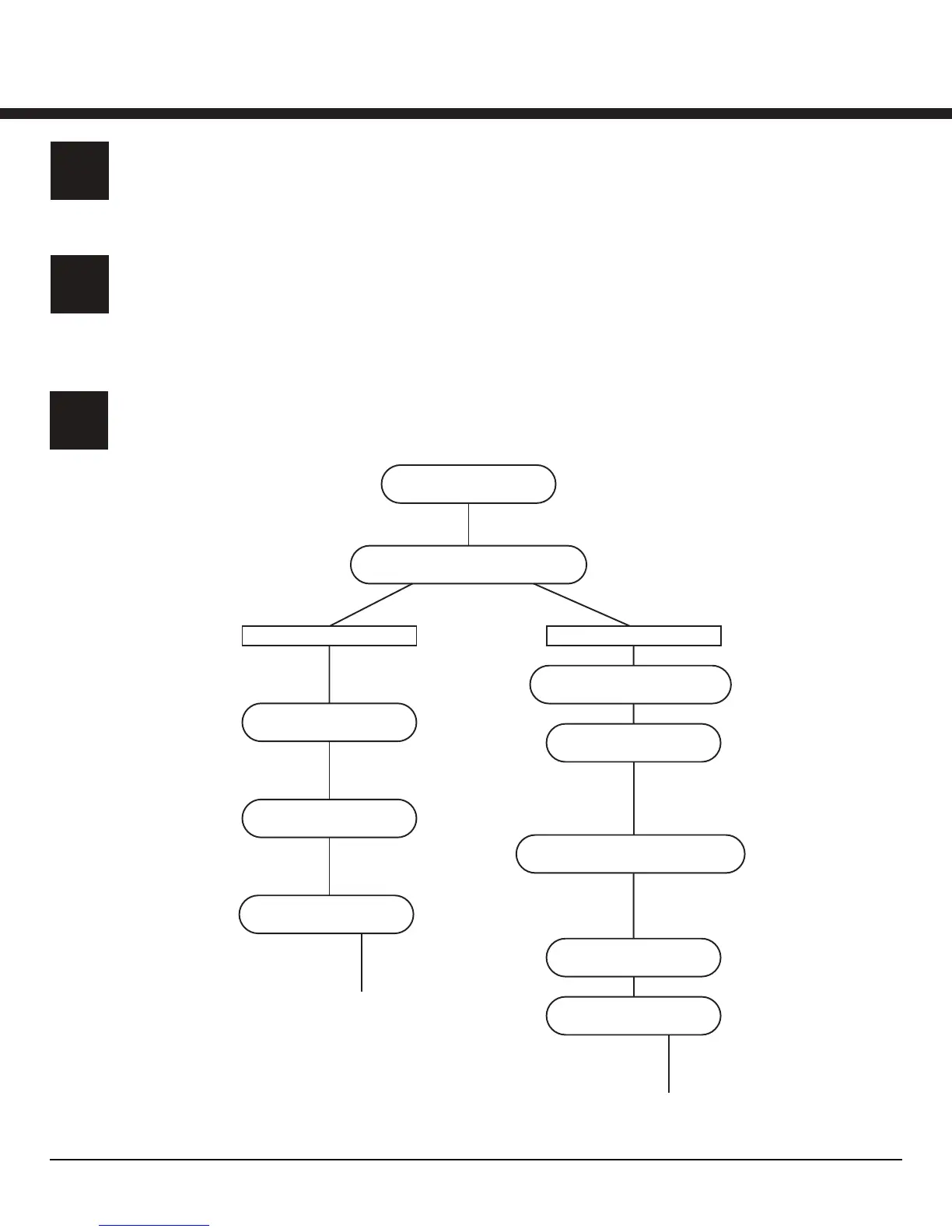
The following flow chart illustrates Z8 configuration options.
GENERAL SETTINGS
Name the Z8 to identify the HVAC unit it is connected too (example: RTU 1
or AHU 2). The description field is an optional input field for identifying
unique aspects of the HVAC unit (example: unit number, model number,
filter size, etc.)
REVERSING VALVE
O terminal = [Cooling On]
B terminal = [Heating On]
AUX HEAT
Not Used = [DISABLE]
Use as Supplemental heat = [AUXILIARY]
Use on Heat Pump failure = [EMERGENCY]
GENERAL SETTINGS
NAME DESCRIPTION
SYSTEM TYPE
CONVENTIONAL HEAT PUMP
CONVENTIONAL
HEAT STAGES
0 1 2 3
COOL STAGES
0 1 2 3
FAN STAGES
0 1 [VARIABLE]
HEAT PUMP
REVERSING VALVE
COOLING ON HEATING ON
HEAT STAGES
0 1 2 3
AUX HEAT
DISABLE AUXILIARY EMERGENCY
COOL STAGES
0 1 2 3
FAN STAGES
0 1 [VARIABLE]
HEAT STAGES
Select the number of central heat stages this Z8
is controlling. If this Z8 does not control any
central heat, select (0) zero. If the zoned system
has local reheat as well as central heat, select
the number of central heat stages being
controlled. If the zone system uses local reheat
only, select (0) zero.
COOL STAGES
Select the number of mechanical cooling stages
this Z8 is controlling.
COOL STAGES
Select the number of mechanical cooling stages
this Z8 is controlling.
FAN STAGES
Select the number of fan stages this Z8 is
controlling. For a Variable Speed Fan, select
[VARIABLE].
FAN STAGES
Select the number of fan stages this Z8 is
controlling. For a Variable Speed Fan, select
[VARIABLE].
[VARIABLE]
MINIMUM OPERATING SPEED
STATIC PRESSURE
(PAGE 30 CONFIGURATION 4)
[VARIABLE]
MINIMUM OPERATING SPEED
STATIC PRESSURE
(PAGE 30 CONFIGURATION 4)
HEAT STAGES
Select the number of central heat stages this Z8
is controlling. If this Z8 does not control any
central heat, select (0) zero. If the zoned system
has local reheat as well as central heat, select
the number of central heat stages being
controlled. If the zone system uses local reheat
only, select (0) zero.



 To Next Page
 Loading...
