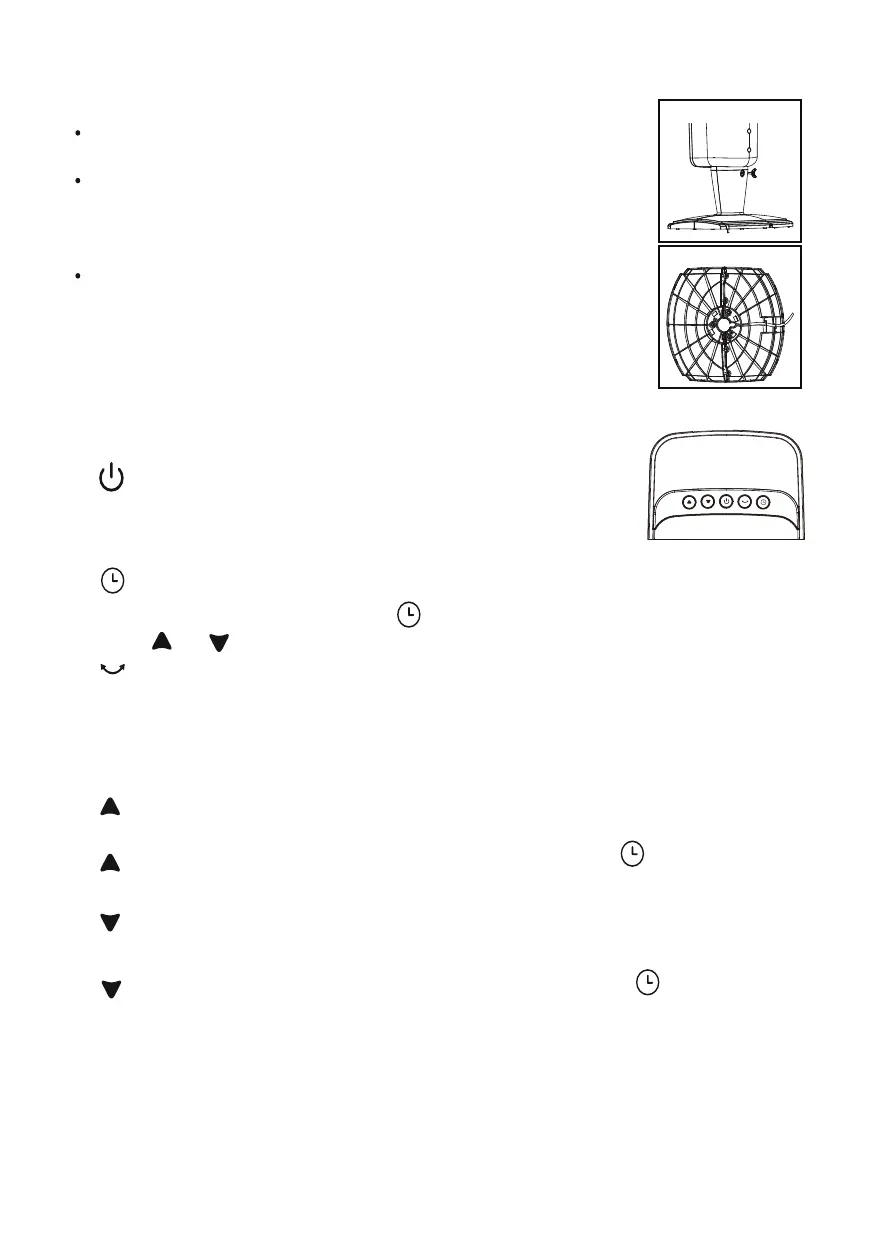
Fig. 7
Fig. 6
E. Securing the Cord to the Base
the bottom of the base.
With the fan still on its side, locate the cord holding bracket on
Gently pull any slack out of the power cord, and carefully
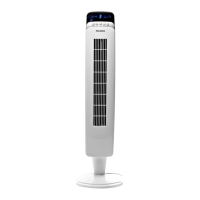
Return the tower fan to its upright position.
work the cord into the bracket slots and out through the exit
hole in the base. Fig. 7. Be careful not to break either of the
bracket slots.
Note: Do not operate the tower fan unless it is in its proper,
upright position.
OPERATING INSTRUCTIONS
I. CONTROL PANEL
1. -ON/OFF KEY
The key is for switching on the fan. The fan will start
at low speed. Press this key again to turn fan off.
2. -TIMER KEY
Choose from 1 to 8 hours. Press once for 1-hour timer and
press or to increase or decrease the operating time.
3. -OSCILLATION KEY
Press this key to oscillate the fan. To fix the fan direction, press this key again to
stop the oscillation when the fan body is pointing in the desired direction. DO
NOT attempt to rotate the fan body by hand ! Doing so will damage the
oscillation mechanism.
4. - increases the fan speed. When the fan is on, press this button to increase
the fan speed.
-increases the timer hours. After pressing the timer key , press this button
to increase the timer hours.
5. - decreases the fan speed. When the fan is on, press this button to decrease
the fan speed.
- decreases the timer hours. After pressing the timer key , press this
button to decrease the timer hours.


 To Next Page