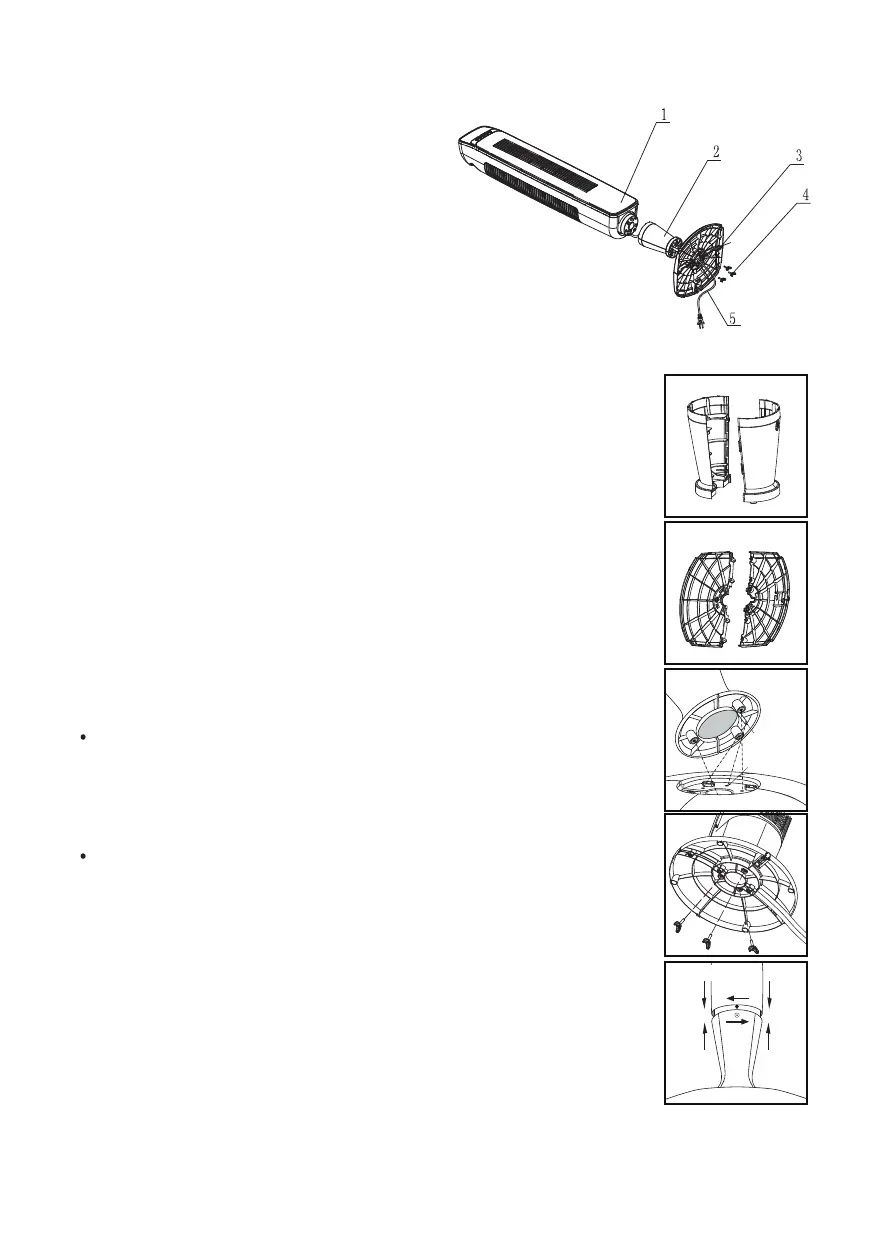
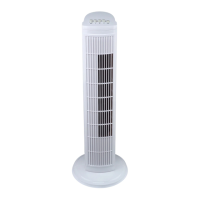
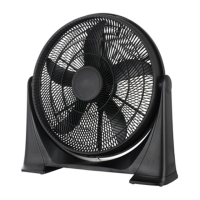
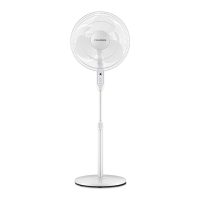
1. Body
2. Front/Rear support
3. Front/Rear base
4. Screw
5. Power cord
PART NAMES
PARTS ASSEMBLY
A. Pedestal Assembly
• Line up the left and right pedestal assembly and firmly snap
together (Fig. 1).
B. Base Assembly
C. Securing the Pedestal to the Base
tightening the 3 wing screws into the 3 holes located on the
bottom of the base (Fig. 4).
D. Securing the Tower Fan to the Pedestal
power cord through the center of the pedestal and base
assembly.
• Align the pedestal with the tower fan so that the one locking
screw hole on the pedestal body is aligned with the rear of
the tower fan unit. Firmly hold the base steady and rotate
the pedestal assembly clockwise to lock the tower fan into the
pedestal assembly (Fig. 5).
• Secure the pedestal to the tower fan by inserting and
tightening 1 screw in the opening located near the top rear of
the pedestal assembly (Fig. 6).
Fig. 1
Pedestal Assembly
Fig. 5
Fig. 4
A
B
Fig. 2
Base Assembly
Fig. 3
Positioning
Hole
Positioning
Pole
• Align the two portions of the circular base and snap together
by gently pushing the 4 extrusions (Fig. 2, item A) into the
adjacent circles of the connecting piece (Fig. 2, item B).
• Align the 3 screw holes on bottom of pedestal with the 3 holes
in the base such that the power cord holder is at the rear of
the unit (Fig. 3).
Secure the base assembly to the pedestal by inserting and
Carefully turn the fan on its side and place on a table.Feed


 To Next Page