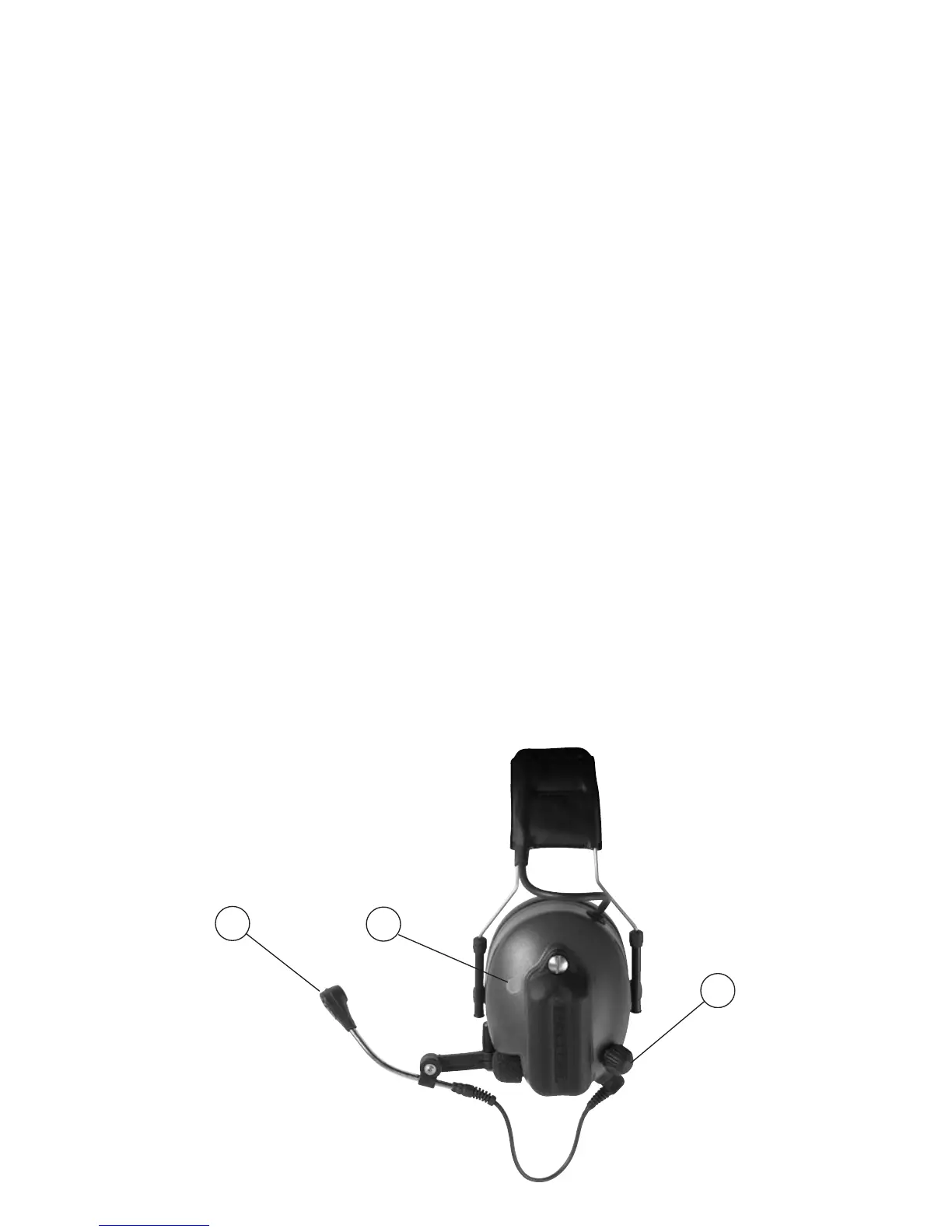
Quick start instructions for connecting Peltor WS Tactical XP
headset with a mobile telephone
Synchronising (pairing) the Bluetooth units
1. All functions OFF at the WS ProTac headset. (If necessary remove and
reinstall batteries.)
2. Activate the level dependent (surround) function
3. Press 8 seconds on the Bluetooth button on the left cup, unitil the LED indica
-
tor starts to ash repeatedly
4. Search for new Bluetooth unit ”Peltor WS3” according to the directions for use
of your telephone. Enter pin code: 0000
5. End pairing by pressing the Bluetooth button until the LED indicator gives red
light and an audio signal with 4 descending tones is heard in the headset.
Activation
6. Activate the level dependent (surround) function. Then activate the headset by
pressing the Bluetooth button on the left cup again for two seconds.
Turning off
7. First turn off the headset by pressing the Bluetooth button until an audio signal
with 4 descending tones is heard in the headset.
(The LED indicator will also turn red when the deactivation signal is heard.)
Second turn off the the level dependent (surround) function.
Usage times, WS Tactical XP Headset headset operating Current time con-
sumption hours mA
Mode Operating time h (average) Current Consumption mA (average)
All functions turned off – 0
Surround+Bluetooth, standby 190 13
Surround+Bluetooth, active 40 60
Surround only 300 8
All calculations are based on a 2500 mAH battery
A1
A3
A)
A2











 To Next Page