EasyManua.ls Logo

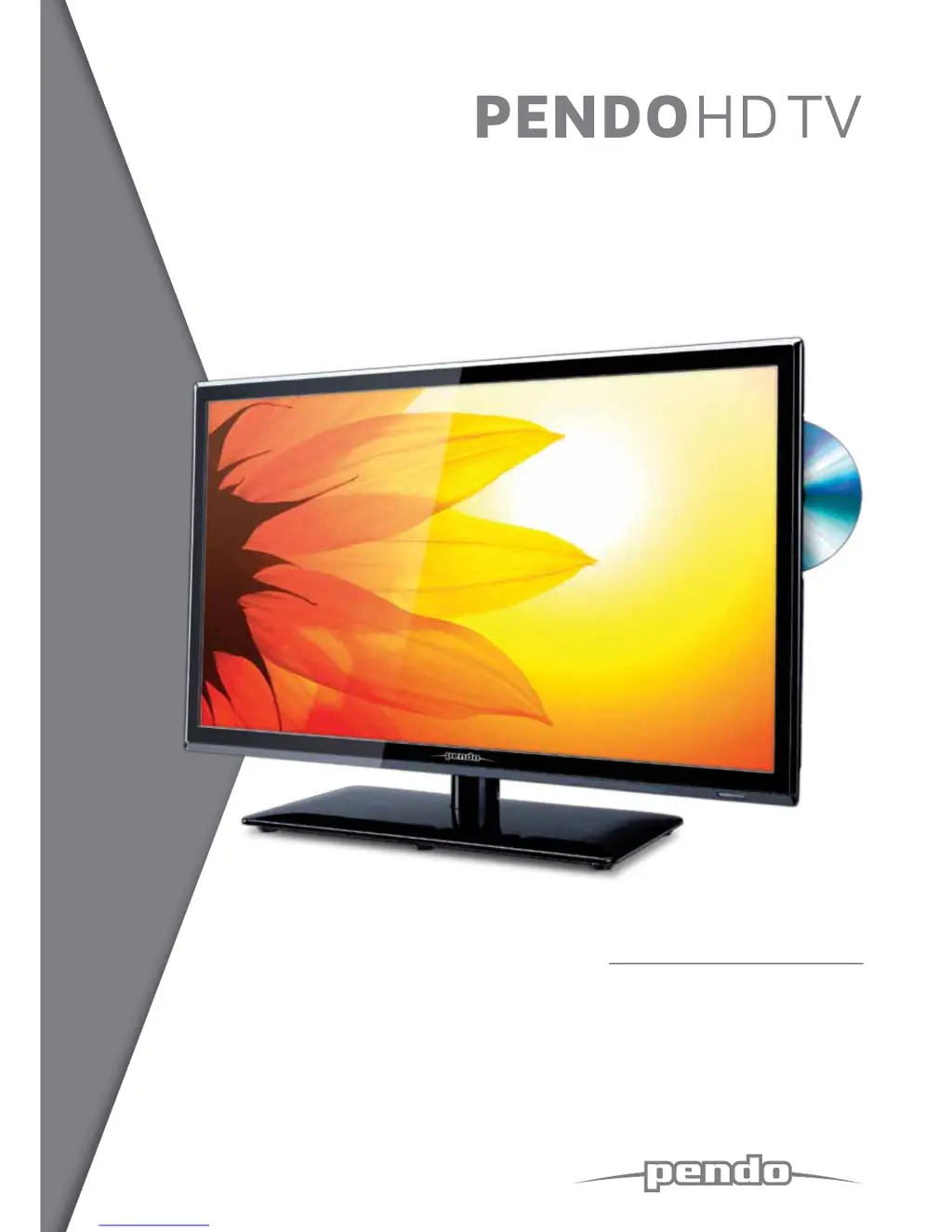
Pendo HDTV - User Manual

Default Icon
38 pages
Print Icon
To Next Page IconTo Next Page
Loading...
USER MANUAL
> Please read carefully before use
19” LED LCD TV with DVD

Questions and Answers

  • B
    Bruce TaylorAug 13, 2025
    Why is the remote control not working on my Pendo HDTV?
    • S
      Scott RodriguezAug 14, 2025
      If the remote control for your Pendo TV DVD Combo isn't working, please check the following: 1. Ensure the main power is switched on. 2. Verify that the batteries in the remote are correctly installed. 3. Make sure there are no obstructions between the remote and the TV. 4. Try replacing the batteries with two new ones.
  • B
    Barbara JenkinsAug 17, 2025
    What to do if I see the screen but hear no voice on my Pendo HDTV?
    • W
      William AndersonAug 17, 2025
      If you see the screen but hear no voice on your Pendo TV DVD Combo, you can try the following: 1. Press the "MUTE" button to ensure it is not activated. 2. Increase the volume using the volume adjustment button. 3. Check that the sound terminal of the external input is connected properly. 4. Verify that the audio cables are connected correctly. 5. Select and check another input source.
  • J
    jamesnelsonAug 21, 2025
    What to do if the screen of my Pendo HDTV TV DVD Combo does not appear?
    • D
      Deborah PerkinsAug 21, 2025
      If the screen of your Pendo TV DVD Combo does not appear, ensure that the power plug is properly inserted. Then, press the power button on the remote control.
  • S
    Sara ChristianAug 25, 2025
    Why is my Pendo TV DVD Combo screen too bright or too dark?
    • K
      Kelly PrattAug 25, 2025
      If the screen of your Pendo TV DVD Combo is too bright or too dark, perform brightness adjustment or contrast adjustment.
  • J
    Jennifer MartinAug 28, 2025
    Why is my Pendo TV DVD Combo screen too large or too small?
    • R
      Robin RiveraAug 28, 2025
      If the screen size on your Pendo TV DVD Combo appears too large or too small, adjust the screen size settings.
  • T
    thomasharrisSep 1, 2025
    What to do if stripes appear and the screen shakes on my Pendo TV DVD Combo?
    • T
      Tammy MurphySep 1, 2025
      If stripes appear on the screen of your Pendo TV DVD Combo and it shakes, stop using wireless telephones, hair dryers, and electric drills nearby.
  • J
    Jordan HaydenSep 5, 2025
    What to do if the screen does not move on my Pendo HDTV?
    • T
      Tammy ZamoraSep 5, 2025
      If the screen does not move on your Pendo TV DVD Combo, press the PAUSE button on the TV. Also, check if the Pause button is pressed on any external equipment connected to the TV.
  • F
    fdavisSep 9, 2025
    Why does the screen appear too slowly on my Pendo HDTV TV DVD Combo?
    • M
      Mrs. Heather HernandezSep 9, 2025
      The screen may appear slowly on your Pendo TV DVD Combo because the TV is processing to eliminate temporary screen noise that occurs when it's powered on. If the screen doesn't appear after 1 minute, contact your dealer or an authorized service center.

Summary

Power Supply Safety Precautions

Power Supply Warnings

Guidelines for safe power connection and usage, preventing electric shock and fire.

Installation Safety Precautions

Installation Warnings

Warnings about unit placement, liquids, heat sources, and unstable surfaces.

Use and Maintenance Safety Precautions

Use and Maintenance Warnings

Warnings on electrical storms, inserting objects, child safety, and non-servicing.

Important Safety Instructions

General Safety Guidelines

Comprehensive list of instructions for safe operation and setup.

Remote Control Operation Guide

Remote Control Buttons Functions

Details functions of various buttons on the remote control.

Basic TV Operation

Power On;Off and Input Selection

Steps for turning the TV on/off and selecting input sources.

OSD Channel Menu

Channel Tuning Options

Procedures for auto tuning, DTV, and ATV manual tuning.

OSD Picture Menu

Picture Settings Adjustment

Adjusts picture quality settings like mode, contrast, brightness, and color.

OSD Sound Menu

Sound Settings Adjustment

Adjusts sound modes, treble, bass, balance, and volume.

Multimedia USB Operation

USB Media Access and Navigation

How to connect and navigate USB devices for media playback.

PVR Recording Setup

PVR File System Preparation

Prepares and checks USB devices for recording, including formatting.

Recorder Functions and List

Accessing recorded list, deleting, and viewing programme information.

Live TV Recording and Timeshift

Recording and Timeshift Buttons

Using REC and PAUSE buttons for live TV recording and timeshifting.

EPG Program Guide

DVD Player Basic Setup

Troubleshooting Common Issues

TV Troubleshooting Guide

Common problems and their solutions for TV operation and remote control.

Technical Specifications

Pendo HDTV Specifications

General IconGeneral
BrandPendo
ModelHDTV
CategoryTV DVD Combo
LanguageEnglish