2. Please follow the instruction to install.
3. When installation nished, please restart the computer.
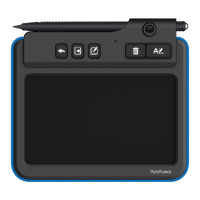
4. Please connect the memo pad to the computer USB port, the
blue LED will light up when connected, please note you don't
have to turn on the power switch.
5. If you want to use it oine, please turn the switch on, and
remember to turn it o when not in use.
◎
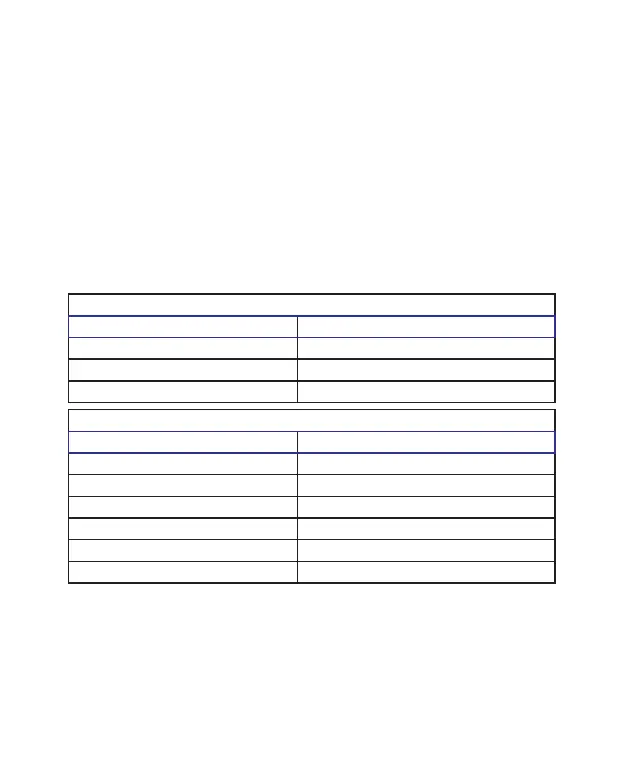
LED Indicate Table
Online
Status Indicate
Power on Blue LED always on.
Save/Append one page Blue LED extinguishes when saving.
Send/Clear Blue LED extinguishes when clearing.
Status Indicate
Power on Blue LED always on.
Save/Append one page Blue LED extinguishes when saving.
Clear Blue LED extinguishes when clearing.
Low battery Red LED blinks.
Sleep mode Blue LED extinguishes after 30 secs.
Out of memory Red LED stays on for 10 secs.
◎
Open the Software
1. Go to [Start]/[All Program]/[Write2Go Anywhere]/[Write2Go
Anywhere] to run the program.


 To Next Page