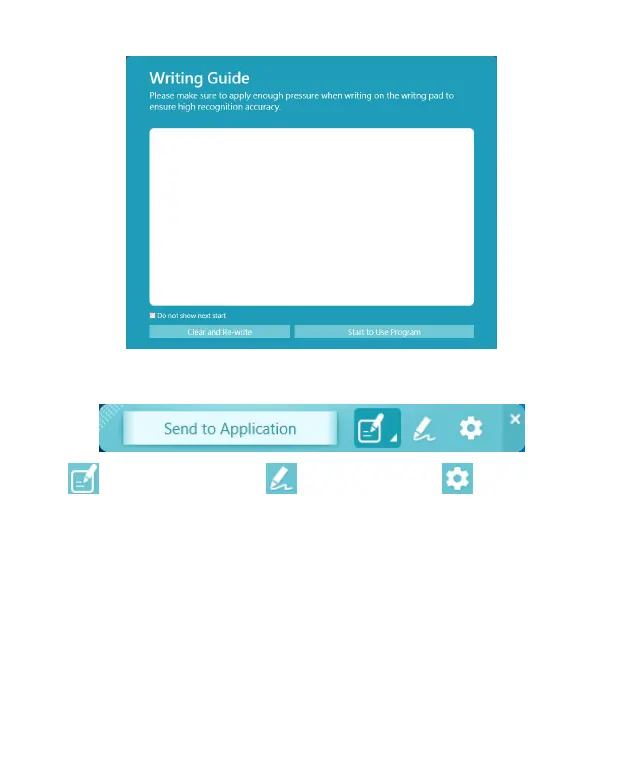
6. After testing, you will see the Write2Go Anywhere-Make a
Memo software shows up.
: Send to Apps : Signature : Settings
◎
Start to Take a Memo
1. Now you can start to write down anything. Under the [Send to
Application] function, open the document le where you want
to save the handwriting, such as a Microsoft Word, and click
the cursor to the location you want to send the handwriting to.
2. When writing, the handwriting will only appear on the memo
pad. You can ll/add the stroke at any time, or you can press


 To Next Page