EasyManua.ls Logo

Pentair Pool Products Fleck SXT - User Manual

Pentair Pool Products Fleck SXT
36 pages
Print Icon
To Next Page IconTo Next Page
Loading...
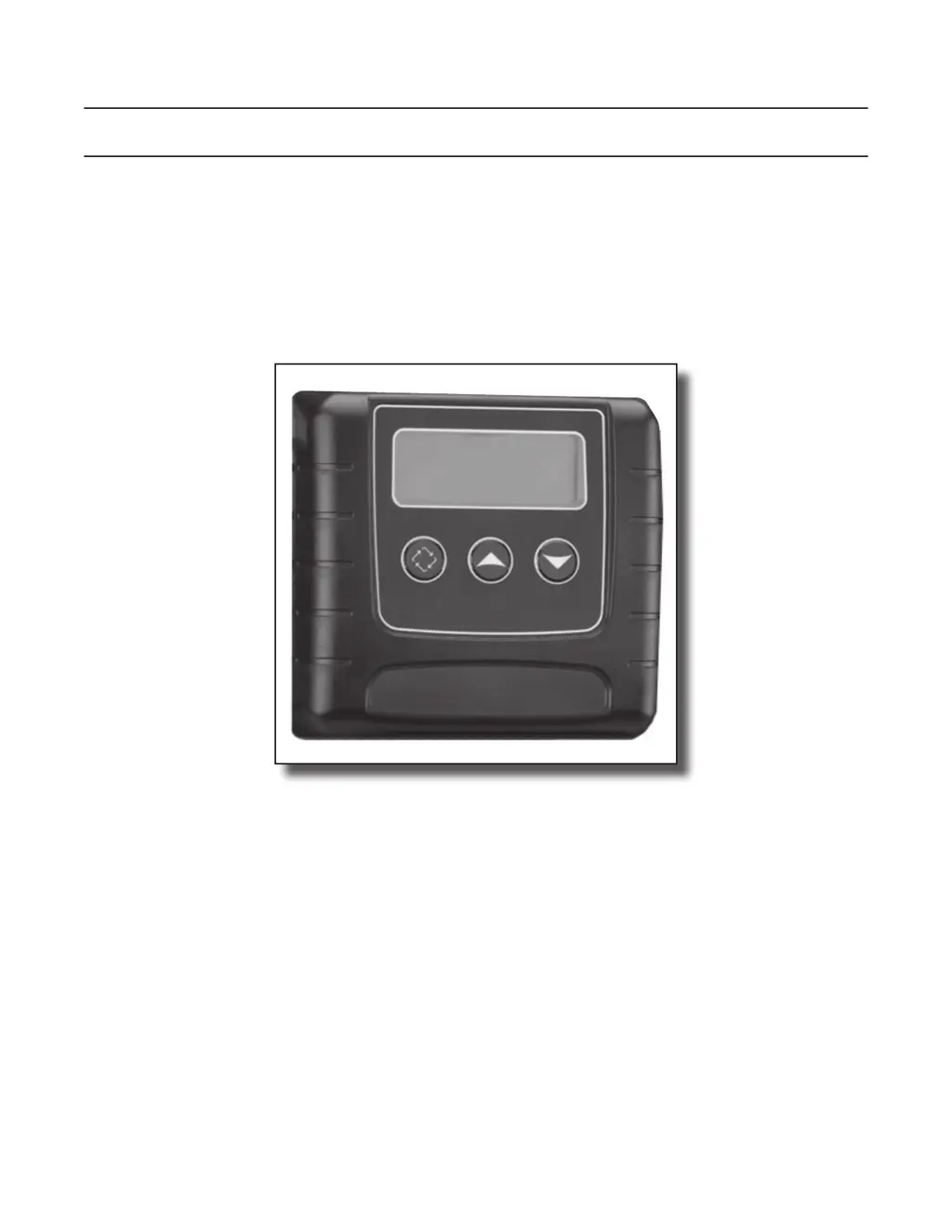
SXT Timer
Supplemental Service Manual
IMPORTANT: Fill in Pertinent Information on Page 3 for Future Reference

Questions and Answers

  • J
    Jacob HendersonJul 28, 2025
    What to do if my Pentair Pool Products Timer shows a Regen Failure?
    • M
      Matthew ThompsonJul 28, 2025
      If your Pentair Pool Products Timer displays a Regen Failure, it means the system hasn't regenerated for over 99 days (or 7 days if set to Day-of-Week). To fix this, start a Manual Regeneration to clear the error. If it's a metered system, ensure it's measuring flow by running water and checking the display. If no flow is measured, check the meter cable and its function. In Master Programming, confirm the unit is correctly configured, including system capacity, day override, and meter settings. For Day-of-Week systems, ensure at least one day is set ON. Adjust settings as needed.
  • I
    Ivan MyersAug 4, 2025
    How to fix a Cam Sense Error on a Pentair Pool Products Timer?
    • L
      laurapriceAug 4, 2025
      If your Pentair Pool Products Timer is showing a Cam Sense Error, it means the valve drive took more than 6 minutes to reach the next regeneration position. Here's what you should do: First, unplug the unit and check the powerhead. Make sure all cam switches are connected to the circuit board and working correctly. Then, check the motor and drive train components for damage and proper assembly. Also, inspect the valve to ensure the piston moves freely. Replace or reassemble any parts as needed. Plug the unit back in and watch to see if it cycles to the next position and stops. If the error happens again, unplug it and contact technical support.
  • D
    Dean CollinsAug 12, 2025
    What to do if Pentair Pool Products Timer displays Cycle Step Error?
    • B
      Betty ChandlerAug 12, 2025
      If your Pentair Pool Products Timer shows a Cycle Step Error, it indicates an unexpected cycle input. To resolve this: First, unplug the unit and inspect the powerhead. Check that all cam switches are properly connected to the circuit board and functioning. Next, enter Master Programming mode and confirm that the valve type and system type are correctly set for your unit. Manually step the unit through a regeneration cycle to verify it functions correctly. If the error persists, unplug the unit and contact technical support.
  • G
    gloriafoxAug 19, 2025
    Why does my Pentair Pool Products Timer show a Memory Error?
    • C
      claire94Aug 19, 2025
      If your Pentair Pool Products Timer is displaying a Memory Error, it indicates a control board memory failure. To resolve this, perform a Master Reset and reconfigure the system using Master Programming mode. After reconfiguring, run the valve through a manual regeneration. If the error continues, unplug the unit and contact technical support.

Summary

Job Specification Sheet

Timer Features

Setting the Time of Day

Instructions for setting the current time on the timer.

Timer Operation

Meter Immediate Control

How meter immediate controls operate.

Meter Delayed Control

How meter delayed controls operate.

Time Clock Delayed Control

How time clock delayed controls operate.

Day of the Week Control

How day-of-week controls operate.

Manually Initiating a Regeneration

Steps to manually start a regeneration cycle.

Control Operation During A Power Failure

How the control behaves during a power failure.

Master Programming Mode

Resets

How to perform soft and master resets.

Display Format (Display Code DF)

Setting the display format for volume and time.

Valve Type (Display Code VT)

Setting the valve type for regeneration cycles.

Control Type (Display Code CT)

Setting how the control triggers regeneration.

Number of Tanks (Display Code NT)

Setting the number of tanks in the system.

Tank in Service (Display Code TS)

Setting which tank is in service.

User Programming Mode

Diagnostic Programming Mode

Troubleshooting

Error Codes

Table of error codes, causes, and recovery steps.

Pentair Pool Products Fleck SXT Specifications

General IconGeneral
BrandPentair Pool Products
ModelFleck SXT
CategoryTimer
LanguageEnglish