Asahi Pentax ES Operating Manual Excerpts
Reproduced for Historical and Reference Purposes by Paul M. Provencher
http://whitemetal.com Not For Resale.
9
SETTING ASA FILM SPEED
The ASA film speed is given in the data sheet packed with each roll of
film. The higher the ASA number, the more sensitive the film.
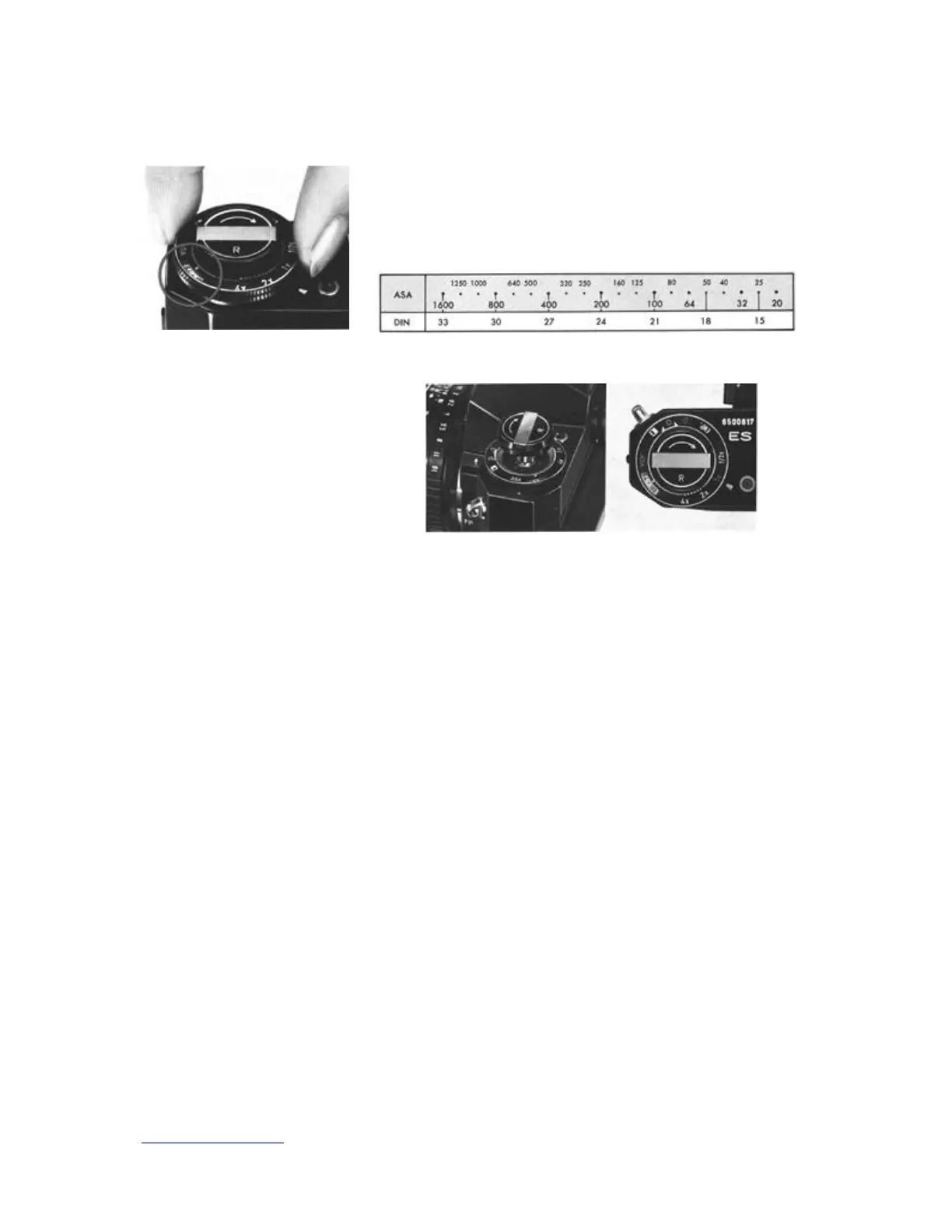
Lift the outer ring of the exposure factor control dial, and turn it until
the same number as the ASA number of the loaded film appears in the
ASA speed indicator window.
FILM TYPE REMINDER DIAL
Use this dial as a reminder of the
type of film loaded. To set the
dial, pull out the rewind knob
softly, and move the selector to
the * for daylight type color film,
* for tungsten type color film, *
for black-and-white and EMP.
when film is not loaded.


 To Next Page